
To export a canvas animation to MP4, rewrite the draw loop as a function of time, window.seek(t), and let a renderer call it once per frame and screenshot the result. A function of t gives the same picture every time, so the video does not depend on how fast your machine ran. This post has a canvas page that we rendered with vawe.
Why not record the canvas
The usual route is canvas.captureStream() and MediaRecorder. It records in real time, so a slow frame is a lost frame. In Chrome it writes WebM, and you convert it after. Two runs differ.
Seeking is different. The page does not run a clock. The renderer says “it is 1.5 seconds”, the page draws that moment, and the renderer takes a picture. You repeat this for every frame. The cost is one rule for your code: no state between frames.
The rule: frame t from t alone
A normal canvas loop keeps state. It adds a velocity to a position on each requestAnimationFrame, so frame 400 needs frame 399. A renderer that asks for frame 400 first cannot get it.
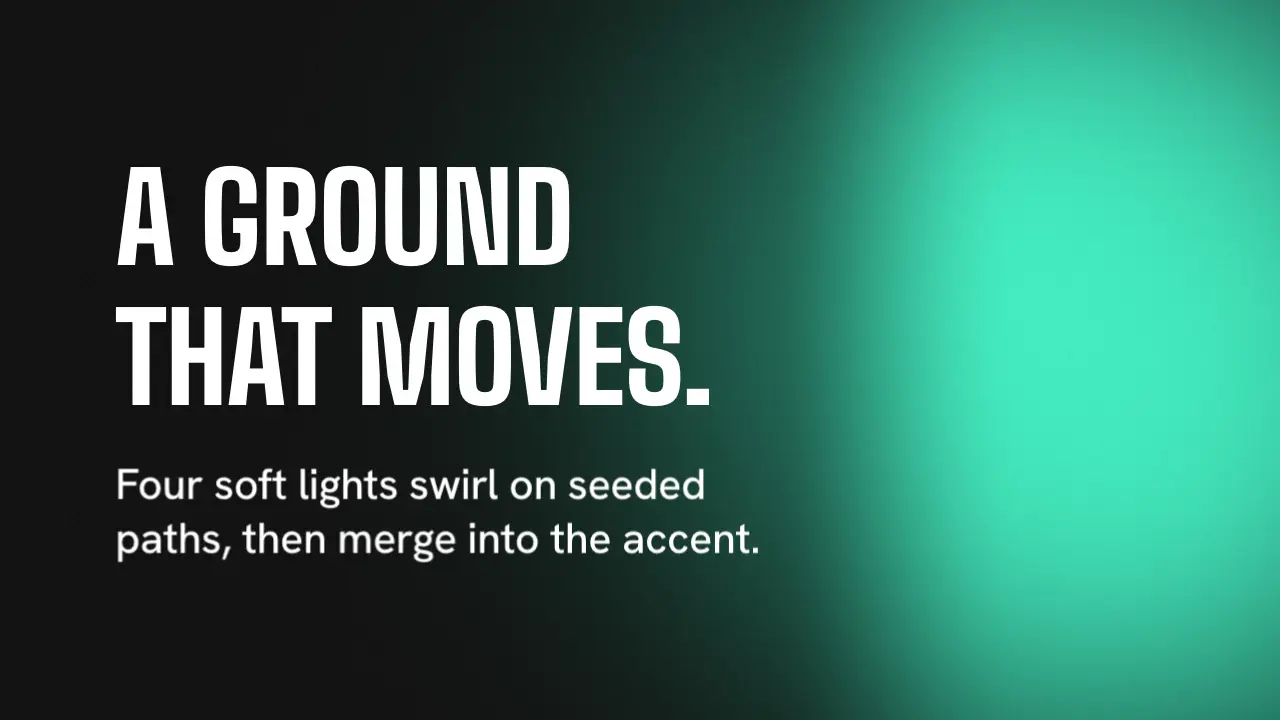
Write the position as a formula of t instead. Put everything random in a table that you make once, from a seed. Here is a page with 120 dots. We rendered it:
<!doctype html>
<html data-aspect="16:9">
<head>
<meta charset="utf-8">
<meta name="duration" content="4">
<meta name="message" content="a canvas frame is a function of t">
<title>Canvas</title>
<style>
  html, body { margin: 0; height: 100%; background: #0b0d12; overflow: clip; }
  .world { position: absolute; inset: 0; }
  canvas { width: 100%; height: 100%; display: block; }
</style>
</head>
<body>
<div class="world" data-world="dots"><canvas id="c" width="1280" height="720"></canvas></div>
<script>
  const ctx = document.getElementById("c").getContext("2d");
  function mulberry32(a) {
    return () => { a |= 0; a = (a + 0x6d2b79f5) | 0; let t = Math.imul(a ^ (a >>> 15), 1 | a);
      t = (t + Math.imul(t ^ (t >>> 7), 61 | t)) ^ t; return ((t ^ (t >>> 14)) >>> 0) / 4294967296; };
  }
  const rand = mulberry32(7);
  const dots = Array.from({ length: 120 }, () => ({
    x: rand() * 1280, y: rand() * 720, r: 4 + rand() * 10, phase: rand() * 6.28, speed: 0.5 + rand(),
  }));
  window.seek = (t) => {
    if (vawe.layoutSeek) return;
    ctx.fillStyle = "#0b0d12";
    ctx.fillRect(0, 0, 1280, 720);
    for (const d of dots) {
      const x = d.x + 40 * Math.sin(t * d.speed + d.phase);
      const y = d.y + 40 * Math.cos(t * d.speed + d.phase);
      ctx.fillStyle = `hsl(${200 + 40 * Math.sin(d.phase + t)} 90% 65%)`;
      ctx.beginPath();
      ctx.arc(x, y, d.r, 0, Math.PI * 2);
      ctx.fill();
    }
  };
  window.seek(0);
</script>
</body>
</html>
Three things make it repeatable:
mulberry32(7)is a small seeded random generator. The 120 dots get the same position, size and phase on every load. The seed is a literal in the page.- Every frame reads the dot table and
t. It does not write to the table. - The whole canvas is cleared and redrawn each frame, so no trail from an earlier frame stays.
The page has a duration meta tag and one data-world element, as every vawe page does. It has no timer and no loop. The renderer calls window.seek(t) for each frame.
Render it
bin/vawe dev films/canvas/page.html --whole --smallWe ran it: a 4 second MP4, 120 frames at 960 by 540 pixels, in 9.8 seconds with the checks. The canvas is 1280 by 720 and the page scales it with CSS.
We also asked for one frame twice:
bin/vawe frame films/canvas/page.html --at 2.5 --out a.png
bin/vawe frame films/canvas/page.html --at 2.5 --out b.png
The two PNG files had the same md5 hash. That is the test that matters for a canvas page: the same t gives the same pixels.
What vawe.layoutSeek is for
vawe also seeks a page for its checks. These checks read the boxes and the text, and they do not read pixels. Drawing 120 dots for each of those seeks wastes time. The page API has a flag for this: vawe.layoutSeek is true while a check seeks the page. The first line of window.seek in our page returns when it is true:
if (vawe.layoutSeek) return;The flag is documented in core/engine/page-api.js. It is only an optimisation, so a page that ignores it still renders the same. Use it when the draw is expensive, and never to skip state that a later frame needs. A page with no state between frames can skip safely.
What about Math.random?
You can call Math.random() in a vawe page. A virtual clock replaces it, and it restarts from the seek time on every seek. The same t gives the same numbers. That works for a draw that calls it inside window.seek.
A seeded generator that you make once, as in our page, is the plainer choice. It does not depend on the clock, so the page also behaves the same in a browser tab. The page clock post explains the clock, and why the same page gives the same frames lists what drifts when you do not control it.
When the state is real
A simulation, such as colliding particles, has frames that depend on the last one. Look for a closed form first. A spring has one: position as a function of time. core/motion/springs.js has spring(t, k, d) for this. See motion.
Other canvas paths
WebGL and three.js work the same way: pose the scene from t and render one frame. See three.js to MP4 for a full page, and three.js and canvas in the docs. For CSS and SVG, where the browser can seek the animation itself, read CSS animation to video. To draw many particles from an image, there is image points.
FAQ
How do I export a canvas animation to MP4?
Move the drawing into window.seek(t) so that frame t depends on t alone. Render it with a tool that calls seek for every frame and encodes the screenshots. vawe does this in one command.
Why not use MediaRecorder? It records in real time and writes WebM in Chrome. A slow machine drops frames, and two runs can differ. Seeking removes the clock.
Can I use random numbers?
Yes, with a seed. Build the random table once with a seeded generator, as in the page above. Math.random also follows the seek in vawe.
Does it work with WebGL? Yes, the same way, and the three.js post shows a full page. We did not test WebGL in this post’s page.
Three.js and canvasTime and seekPage API
Read next
Animated chart video: render a bar chart to MP4 from code
Make an animated bar chart video with HTML and a seek function, render it to MP4 with vawe, and batch one chart per dataset with --param. Code that ran.
SVG animation to MP4: render SMIL and CSS from code
Turn an SVG animation into an MP4 from code. vawe pauses the SVG and seeks every frame, so SMIL and CSS animation render the same each run. A page that ran.
Animated captions in HTML: word by word, rendered to MP4
Make animated word-by-word captions with plain HTML and CSS, then render them to an MP4 with vawe. One table of times, no React, code that ran.