Liquid displace
When to use
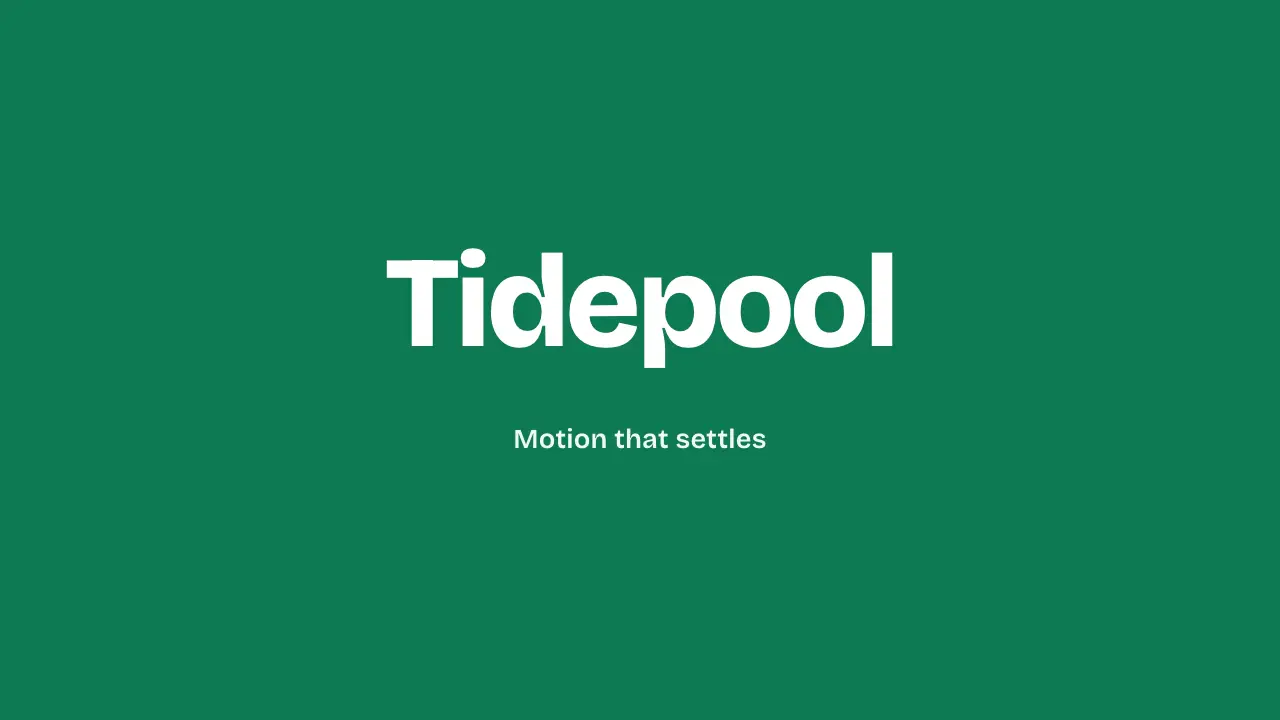
Use when a title should arrive as if seen through moving water and then settle to perfectly sharp type: an SVG turbulence map bends the letters, and the bend drains to zero. Clip: liquid-displace.mp4. Demo: demo/liquid-displace.html.
Use on one title per film. The type must hold readable and sharp for at least 1.2 s after it settles.
The code
<svg width="0" height="0" style="position:absolute"><filter id="liquid" x="-20%" y="-40%" width="140%" height="180%" color-interpolation-filters="sRGB">
  <feTurbulence id="noise" type="fractalNoise" baseFrequency="0.004 0.008" numOctaves="2" seed="7" result="n"/>
  <feGaussianBlur in="n" stdDeviation="8" result="s"/>
  <feDisplacementMap id="disp" in="SourceGraphic" in2="s" scale="0" xChannelSelector="R" yChannelSelector="G"/>
</filter></svg>
<div style="display:grid">
  <h1 id="title" style="grid-area:1/1;filter:url(#liquid)">Tidepool</h1>
  <h1 id="clean" style="grid-area:1/1;opacity:0" aria-hidden="true">Tidepool</h1>   <!-- the same title, no filter -->
</div>
<script type="module">
import '../../core/engine/page-api.js';
import { easeFn } from '../../core/motion/presets.js';
const vh = parseFloat(getComputedStyle(document.documentElement).getPropertyValue('--vh'));
vawe.onFrame((t) => {                                         // the seek time drives the filter, never a SMIL animate
  const left = 1 - easeFn('land')(Math.min(1, Math.max(0, (t - 0.05) / 1.1)));   // 1 at the start, 0 at 1.15 s
  const swap = Math.min(1, Math.max(0, (t - 0.5) / 0.16));    // the plain copy fades in over 0.5 to 0.66 s
  disp.setAttribute('scale', (vh * 0.3 * left ** 1.75).toFixed(2));
  noise.setAttribute('baseFrequency', `${(0.004 + 0.012 * left).toFixed(5)} ${(0.008 + 0.03 * left).toFixed(5)}`);
  clean.style.opacity = easeFn('swap')(swap).toFixed(3);
  title.style.opacity = swap >= 1 ? 0 : 1;
});
</script>
Easing and timing
The clip runs 2.6 s. The look is field.
The clip uses 2 named eases from core/motion/presets.js. Each is a pair of After Effects handles: influence is how far along the segment the handle reaches, and speed is how fast the value moves at the key, as a multiple of the segment's average speed. Motion in the docs explains both.
| Ease | Leaving a key | Arriving at a key |
|---|---|---|
land | 12% influence, speed 4.8 | 75% influence, speed 0 |
swap | 75% influence, speed 0 | 75% influence, speed 0 |
Notes
feDisplacementMapmoves each pixel byscaletimes the noise channel minus one half, so the scale is the amount of bend. Tie it to the frame height so the bend holds at any size (0.3 of--vhhere).- Drive the filter from
vawe.onFrame, which gets the seek time. A live<animate>(SMIL) runs on the document clock, which the renderer does not seek, so every frame would come out the same. baseFrequencyfalls with the scale, so the ripples widen as they calm. Wide ripples read as water; a high frequency that stays high reads as a glitch.- The notches come from the displacement map, which moves whole pixels with no smoothing. A bend of a pixel or two shifts a slanted edge in steps, and a high-frequency map makes the steps differ from one pixel to the next. Three defences: the noise is blurred (
stdDeviation8) and its y frequency is low, the scale falls onleft ** 1.75so it is under one pixel by 0.5 s, and an unfiltered copy of the title fades in over 0.5 to 0.66 s so the final frames are plain type, not a zero-scale resample. - Keep the filter region wide (
x -20%,width 140%): a bent glyph at the edge of a tight region is cut.
Looks (ground, type, radius, accent) live in demo/demo.css; this snippet keeps neutral tokens.
Sound
Sound: none; a slow settle has no event to mark.
Related moves



See all 125 moves. Learn how a page becomes a film in the docs, copy chains of moves from the recipes, or read the motion guide.