Caret typing
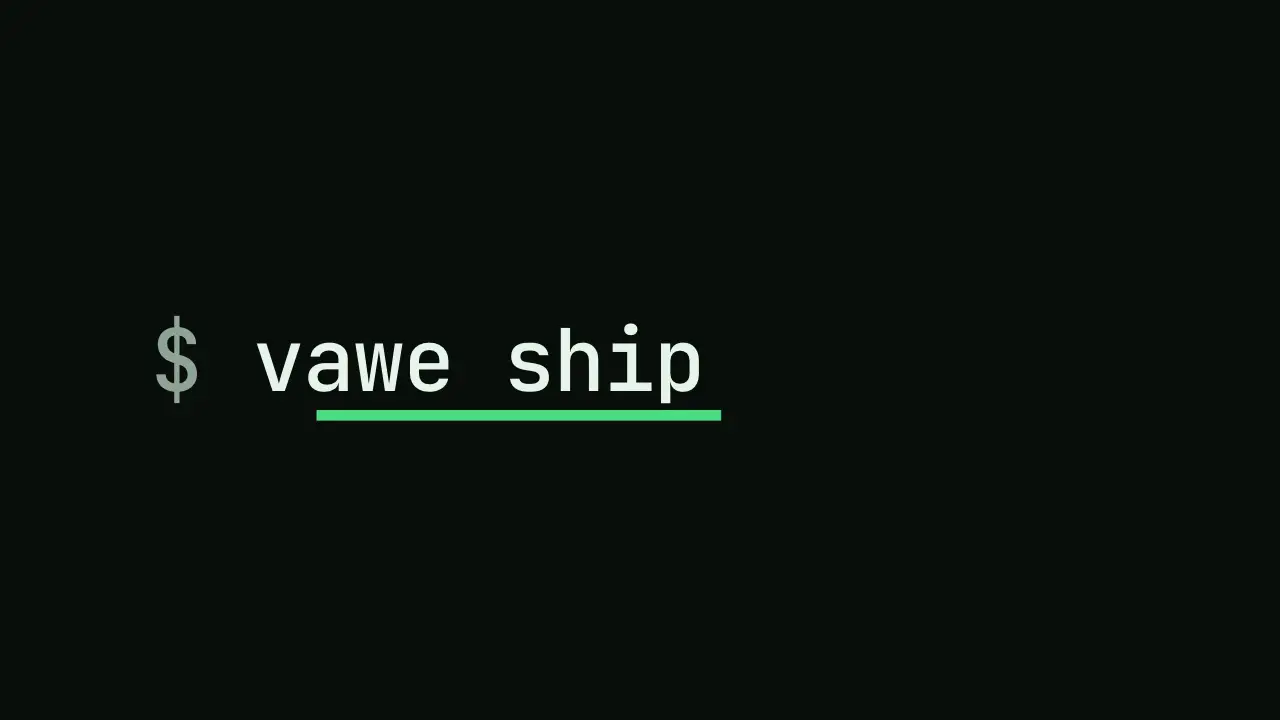
When to use
Use when a command, a prompt or a name is typed in. The caret is the next flex item, so it moves with each character; when the typing ends the same caret becomes the next element (here the rule under the word), so nothing new enters. Monospace type makes ch exact. Clip: caret-typing.mp4. Demo: demo/caret-typing.html.
The code
.type { display: inline-flex; align-items: center; font-family: ui-monospace, Menlo, monospace; }
.text { overflow: hidden; white-space: nowrap; width: 0;
        animation-name: type; animation-duration: 0.5s; animation-delay: var(--beat-1);
        animation-timing-function: steps(9, end); animation-fill-mode: both; }   /* 9 = characters */
.caret { position: relative; width: 0.08em; height: 1em; margin-left: 0.06em; background: var(--accent);
         animation-name: spread, drop; animation-duration: 0.35s, 0.16s;
         animation-delay: calc(var(--beat-1) + 0.55s), calc(var(--beat-1) + 0.55s);
         animation-timing-function: var(--settle), var(--settle); animation-fill-mode: both, both; }
@keyframes type { to { width: 9ch; } }
@keyframes drop { to { height: 0.12em; top: 0.64em; } }               /* first: thin and below the letters */
@keyframes spread { to { width: 9ch; translate: calc(-9ch - 0.06em) 0; } }
Easing and timing
The clip runs 1 s. The look is terminal.
The clip uses one named ease from core/motion/presets.js. Each is a pair of After Effects handles: influence is how far along the segment the handle reaches, and speed is how fast the value moves at the key, as a multiple of the segment's average speed. Motion in the docs explains both.
| Ease | Leaving a key | Arriving at a key |
|---|---|---|
land | 12% influence, speed 4.8 | 75% influence, speed 0 |
Notes
<div class="type"><span class="text">vawe ship</span><span class="caret"></span></div>
<script type="module">
import { EASE } from '../../core/motion/presets.js';
document.documentElement.style.setProperty('--settle', EASE.land);
</script>
Looks (ground, type, radius, accent) live in demo/demo.css; this snippet keeps neutral tokens.
Sound
Sound: pluck at --beat-1 (the first character) and at --beat-1 + 0.5 s (the last character) (default gain); never one per character.
Related moves


See all 125 moves. Learn how a page becomes a film in the docs, copy chains of moves from the recipes, or read the motion guide.