Caret follow
When to use
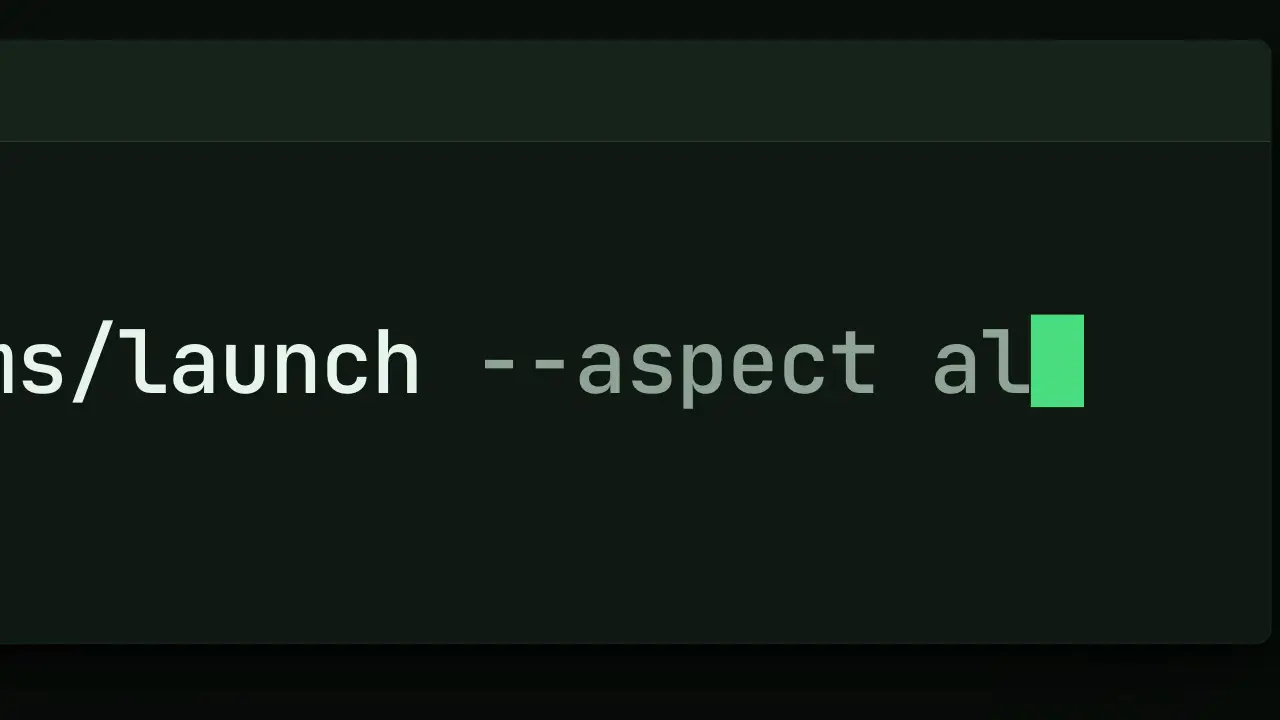
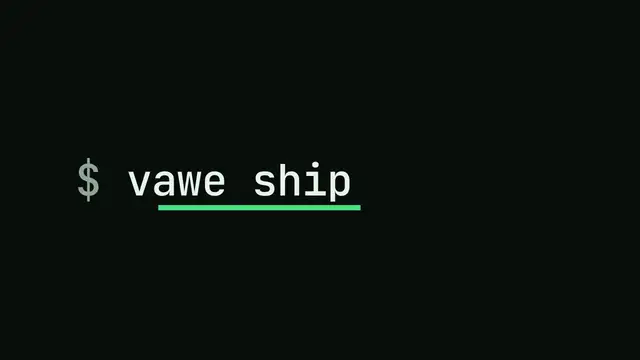
Use when a command or a line is typed and the camera is close enough that the line runs past the frame. The camera does not pan on a timer: it is a spring behind the caret, so it trails by a fraction of a second, speeds up on a burst of letters and rests on a pause. The text behind the caret stays in view and the text ahead of it is never shown early. It is the terminal camera of the vawe-flow-2 film. Clip: caret-follow.mp4. Demo: demo/caret-follow.html.
The code
import '../../core/engine/page-api.js';
import { track, rng } from '../../core/motion/springs.js';
const s = 1.9, ch = caret.getBoundingClientRect().width;     // monospace: a caret is one character wide
const x0 = line.left + promptWidth, y = line.top + line.height / 2, winLeft = win.getBoundingClientRect().left;
const rand = rng(7);                                          // seeded: the same rhythm on every render
let clock = 0.2;
const at = [...text].map((c) => { clock += 0.026 + rand() * 0.024 + (c === ' ' ? 0.07 : 0); return clock; });
const keys = [[0, x0], ...at.map((t, i) => [t, x0 + (i + 1) * ch])];   // the caret x after each character

vawe.onFrame((t) => {
  const n = at.filter((a) => a <= t).length;                  // characters typed at t; show text.slice(0, n)
  const follow = track(t, keys, 90, 20);                      // one soft spring per character
  const tx = Math.min(W * 0.66 - s * follow, W * 0.05 - s * winLeft);   // caret rests at 66% of the width; never show past the window edge
  world.style.transform = `translate(${tx}px, ${H * 0.5 - s * y}px) scale(${s})`;   // world { transform-origin: 0 0 }
});
Easing and timing
The clip runs 2 s. The look is terminal.
Notes
The camera keeps a physical spring on purpose: it is a sum of one spring per character, and no single EASE segment trails a moving target. The stiffness is the feel: track(t, keys, 90, 20) trails by about 0.2 s (2 x damping ratio / natural frequency). At k 170 the camera locks to every letter and shakes; under 60 it drifts behind the text. The caret rests at two thirds of the width so the eye reads the last 15 or so characters. The min() stops the camera from showing the empty ground left of the window at the start. Every input is a function of t, so the frame does not depend on the last one. Blink only after the typing ends, so the tail is alive. A typo or a backspace is a lower n in the same table (a [t, text] state list, latest state with t passed), never a mutated string.
Looks (ground, type, radius, accent) live in demo/demo.css; this snippet keeps neutral tokens.
Sound
Sound: pluck at 0.23 s into the move (the first character) and at the last value in at (the last character) (default gain); never one per character.
Related moves

See all 125 moves. Learn how a page becomes a film in the docs, copy chains of moves from the recipes, or read the motion guide.