UI focus zoom
When to use
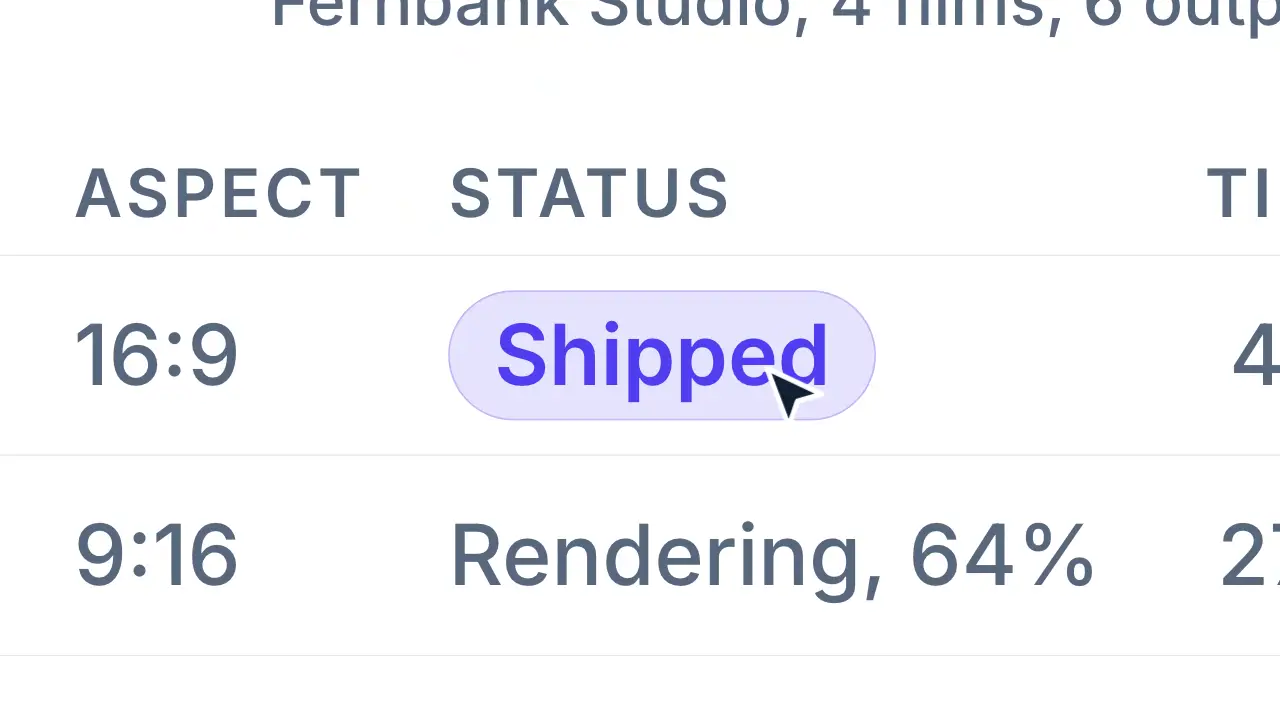
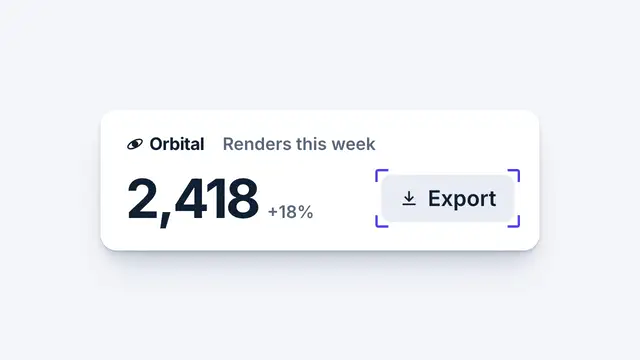
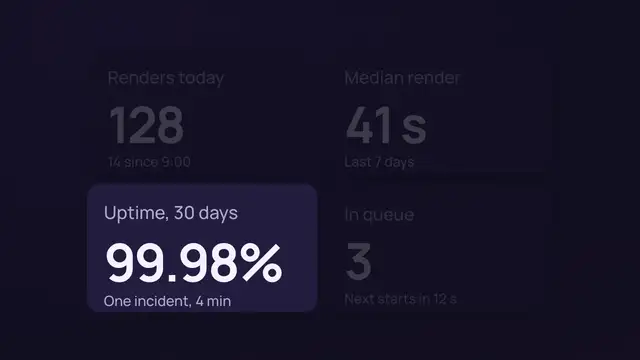
Use when a captured screen is on and one part of it is the point: a status, a button, a number. The cursor lands on the part first, then the whole screen scales until that part fills about a third of the frame width and its centre sits in the middle. The camera is one translate and one scale on the same ease, so the target travels straight to the centre. Clip: ui-focus-zoom.mp4. Demo: demo/ui-focus-zoom.html. (The window in the demo is a stand-in; on a real film the world is the capture.)
The code
import { EASE } from '../../core/motion/presets.js';
const world = document.querySelector('.world');            // transform-origin: 0 0
const r = target.getBoundingClientRect();                   // measured before any animation runs
const W = innerWidth, H = innerHeight;
const s = (0.36 * W) / r.width;                             // the target fills 36% of the frame width
const tx = W * 0.5 - s * (r.left + r.width / 2), ty = H * 0.5 - s * (r.top + r.height / 2);
cursor.animate([{ translate: '-16vw 12vh' }, { translate: '0 0' }],
  { duration: 500, delay: 50, easing: EASE.landSoft, fill: 'both' });
world.animate([{ translate: '0 0', scale: 1 }, { translate: `${tx}px ${ty}px`, scale: s }],
  { duration: 1000, delay: 550, easing: EASE.landSoft, fill: 'both' });
Easing and timing
The clip runs 1.3 s. The look is daylight.
The clip uses one named ease from core/motion/presets.js. Each is a pair of After Effects handles: influence is how far along the segment the handle reaches, and speed is how fast the value moves at the key, as a multiple of the segment's average speed. Motion in the docs explains both.
| Ease | Leaving a key | Arriving at a key |
|---|---|---|
landSoft | 20% influence, speed 2.5 | 75% influence, speed 0 |
Notes
The individual translate and scale properties apply as translate then scale from the origin, so p -> t + s * p and the target lands exactly on the frame centre. Measure the rect once at load, never per frame. Start the camera 50 ms after the cursor lands, so the eye is on the target when the move begins. A scale of 2.5 to 4 reads as a zoom; past 5 the capture goes soft. EASE.landSoft gives a firm start and a long soft arrival; use EASE.settle for a calmer film. Cut back out on the next beat, never zoom back on a mirror curve. A snap zoom (a punch) runs 150 to 250 ms; a zoom to focus takes 400 to 800 ms. A zoom earns its place only when it directs attention, shows hierarchy or bridges a cut. If a pan-stations camera owns the .world, fold the zoom into that camera's one translate and scale: two transforms on one world stack, and the target lands off centre.
Looks (ground, type, radius, accent) live in demo/demo.css; this snippet keeps neutral tokens.
Sound
Sound: none; the cursor landing is the cue's job in cursor-click, and the zoom itself is silent.
Related moves

See all 125 moves. Learn how a page becomes a film in the docs, copy chains of moves from the recipes, or read the motion guide.