Split-flap resolve
When to use
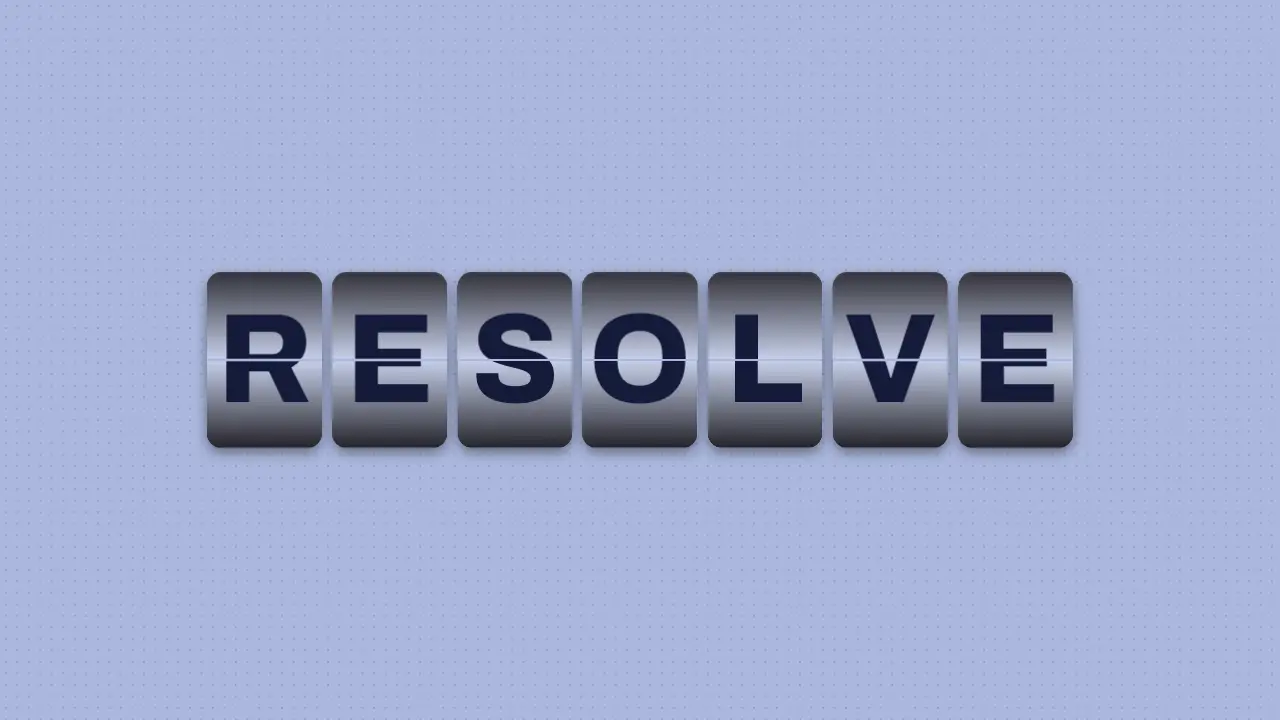
Use when a name, a number or a status is decided on screen: a departure board, a counter, a model name locking in. Each character sits on its own tile and flips like a Solari board: the top half falls on the hinge, the bottom half of the next glyph swings up, and the tile lands on the real letter, left to right. Font: Archivo 800. Clip: flap-resolve.mp4. Demo: demo/flap-resolve.html.
Four layers per tile
- Static top: the next glyph, top half only, revealed behind the falling flap.
- Static bottom: the old glyph, bottom half, until the rising flap covers it.
- Falling top flap: the old glyph, top half,
rotateX(0deg)torotateX(-90deg)on the hinge (transform-origin: 50% 100%). - Rising bottom flap: the next glyph, bottom half,
rotateX(90deg)torotateX(0deg)on the same hinge line (transform-origin: 50% 0).
Every half is the same glyph in a box half a tile tall with overflow: hidden. The glyph box is twice that height, and the bottom half moves it up by top: -100%. The glyph is never cut sideways.
The code
const on = (el, keys, delay, duration, easing) => el.animate(keys, { delay, duration, easing, fill: 'forwards' });
// per tile, per flip k at time `at`, flip = 68 ms, mid = 34 ms
on(top, [{ opacity: 1 }, { opacity: 1 }], at, flip);
on(fall, [{ opacity: 1, transform: 'rotateX(0deg)' }, { opacity: 1, transform: 'rotateX(-90deg)', offset: 0.999 },
          { opacity: 0, transform: 'rotateX(-90deg)' }], at, mid, EASE.launch);
on(fall.lastChild, [{ opacity: 0 }, { opacity: 0.6 }], at, mid, EASE.launch);   // shade darkens toward 90
on(rise, [{ opacity: 1, transform: 'rotateX(90deg)' }, { opacity: 1, transform: 'rotateX(0deg)' }],
   at + mid, mid, EASE.land);
on(rise.lastChild, [{ opacity: 0.6 }, { opacity: 0 }], at + mid, mid, EASE.land);
Easing and timing
The clip runs 1.4 s. The look is chrome.
The clip uses 2 named eases from core/motion/presets.js. Each is a pair of After Effects handles: influence is how far along the segment the handle reaches, and speed is how fast the value moves at the key, as a multiple of the segment's average speed. Motion in the docs explains both.
| Ease | Leaving a key | Arriving at a key |
|---|---|---|
land | 12% influence, speed 4.8 | 75% influence, speed 0 |
launch | 33% influence, speed 0 | 25% influence, speed 3 |
Notes
The numbers that make it look real
perspective: 3emon the tile (the tile is 0.72em by 1.1em). Wider values look flat.- 68 ms per flip: 34 ms fall, 34 ms rise. Six flips per tile, tiles start 68 ms apart, so the word resolves left to right in about 0.8 s.
- The fall eases in (
EASE.launch, gravity), the rise eases out and snaps shut (EASE.land). - A black shade layer inside each flap goes to 0.6 opacity at 90 degrees, so the moving flap darkens as it turns edge-on.
- A 0.016em split line above all layers, and a 0.07em gap between tiles.
- Chars come from
rng(11)in springs.js, neverMath.random, and never equal the last glyph or the final one, so every flip changes the tile.
The common mistake
Rotating the whole glyph (or a whole tile) is a card flip, not a split flap. It fails three ways: the glyph turns as one piece instead of two halves, no perspective means rotateX only squashes the flap, and no shade means the turning flap has no light. Build the four layers, clip each half, and animate the halves.
Looks (ground, type, radius, accent) live in demo/demo.css; this snippet keeps neutral tokens.
Sound
Sound: pluck at 0.80 s after the first flip, when the last tile locks (default gain); no tick per flip.
Related moves
 Scale punch
 Word swap slot
 Per-letter stagger
 Blur word cascade
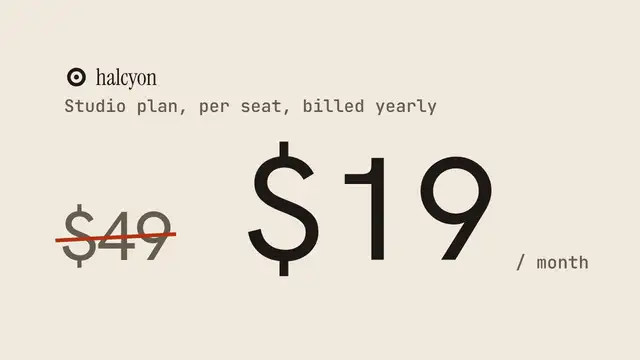 Strikethrough replace
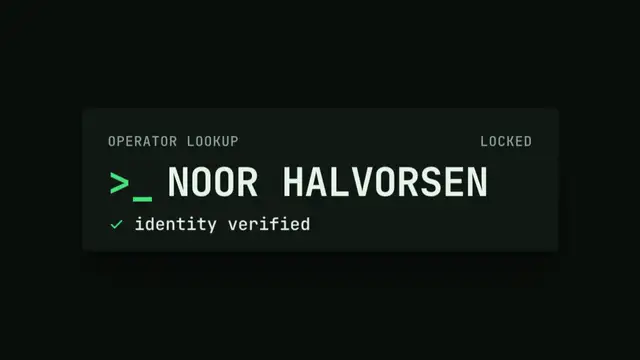 Text scramble decode
See all 125 moves. Learn how a page becomes a film in the docs, copy chains of moves from the recipes, or read the motion guide.