Shape trace morph
When to use
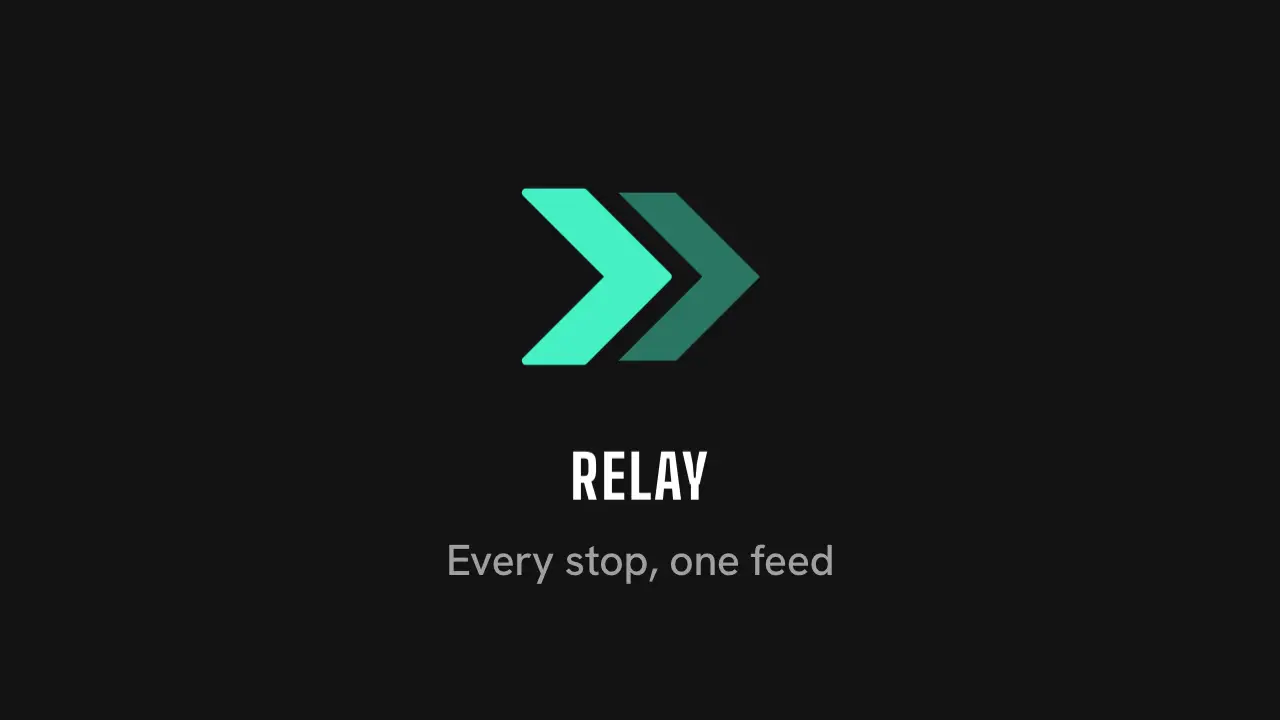
Use when a brand mark should be built like an After Effects shape layer: a thin outline draws on (trim paths) as an object the brand is about, here a delivery route, then the line morphs into the real mark on one pop and the name lands. Clip: shape-trace-morph.mp4. Demo: demo/shape-trace-morph.html.
Use once per film, as the brand reveal. For a mark that is a line only, use mark-trace.md.
The code
<svg viewBox="0 0 24 24">
  <path id="twin" d="M10.2 5H15l7 7-7 7h-4.8l7-7z"/>
  <path id="route" pathLength="1" d="M2.5 19 L9.5 12 L3.5 6 L10 5.5 L15 11 L8 19 Z"/>
</svg>
<p id="name">Relay</p>
<style>
#route { fill: var(--accent); fill-opacity: 0; stroke: var(--ink); stroke-width: 0.7; stroke-linejoin: round;
         stroke-linecap: round; stroke-dasharray: 1 2; stroke-dashoffset: 1; }
#twin { fill: var(--accent); opacity: 0; }
</style>
<script type="module">
import { EASE, enter } from '../../core/motion/presets.js';
const ROUTE = 'M2.5 19 L9.5 12 L3.5 6 L10 5.5 L15 11 L8 19 Z';      // a delivery route with five stops
const CHEVRON = 'M2.5 19 L9.5 12 L2.5 5 L7.3 5 L14.3 12 L7.3 19 Z';  // first chevron of the Relay mark: 1 M, 5 L, 1 Z, same as ROUTE
const RETURN = 0.113;                                                // the closing Z is 11% of the length
route.animate([{ strokeDashoffset: 1 }, { strokeDashoffset: RETURN }], { duration: 900, delay: 100, easing: EASE.settle, fill: 'both' });
route.animate([{ fillOpacity: 0 }, { fillOpacity: 1 }], { duration: 380, delay: 1050, easing: EASE.land, fill: 'both' });
route.animate([{ d: `path("${ROUTE}")`, stroke: 'var(--ink)', strokeDashoffset: RETURN }, { d: `path("${CHEVRON}")`, stroke: 'var(--accent)', strokeDashoffset: 0 }],
  { duration: 800, delay: 1050, easing: EASE.pop, fill: 'forwards' });
twin.animate([{ opacity: 0, translate: '-7.7px 0' }, { opacity: 0.45, translate: '0 0' }], { duration: 520, delay: 1650, easing: EASE.land, fill: 'both' });
enter(name, { at: 2.05, band: 'professional', from: '0 0.4em', blur: 10 });   // the name lands after the mark
</script>
Easing and timing
The clip runs 3.2 s. The look is signal.
The clip uses 3 named eases from core/motion/presets.js. Each is a pair of After Effects handles: influence is how far along the segment the handle reaches, and speed is how fast the value moves at the key, as a multiple of the segment's average speed. Motion in the docs explains both.
| Ease | Leaving a key | Arriving at a key |
|---|---|---|
land | 12% influence, speed 4.8 | 75% influence, speed 0 |
pop | 12% influence, speed 4.8 | 35% influence, speed -1.5 |
settle | 60% influence, speed 0 | 60% influence, speed 0 |
Notes
- The story: the stroke draws the thing the brand is about (Relay moves work from stop to stop, so the stroke is a route with a dot at each stop), and the route becomes the Relay mark. The second chevron slides out of the first: one hand-off, the relay. Pick an object that belongs to your brand; do not reuse a generic hexagon.
- Both paths need the same command count, in the same order (here
M, fiveL,Z). The browser interpolates command by command; a different count or type snaps at the first frame instead of morphing. The route and the chevron both have 1 M, 5 L and 1 Z. A mark made of several shapes morphs the first shape only and brings the others in after it (twin). pathLength="1"withstroke-dasharray: 1 2makes one offset value trim any shape. Stop the trace at the closing segment (RETURN) so the route reads as an open line, and take the offset to 0 in the morph so the closed mark has a full outline.- Order in time: trace 0.1 to 1.0 s on
EASE.settle, morph from 1.05 s onEASE.popwith the fill, the second chevron from 1.65 s, the name from 2.05 s. Usefill: 'forwards'on the morph so its first frame does not override the trace. - Pair the points by position: the start of the route should become the start of the chevron, or the morph twists. Add the name after the pop has landed, never during it.
Looks (ground, type, radius, accent) live in demo/demo.css; this snippet keeps neutral tokens.
Sound
Sound: droplet at 1.05 s, when the route starts to morph (default gain).
Related moves




See all 125 moves. Learn how a page becomes a film in the docs, copy chains of moves from the recipes, or read the motion guide.