UI strip away
When to use
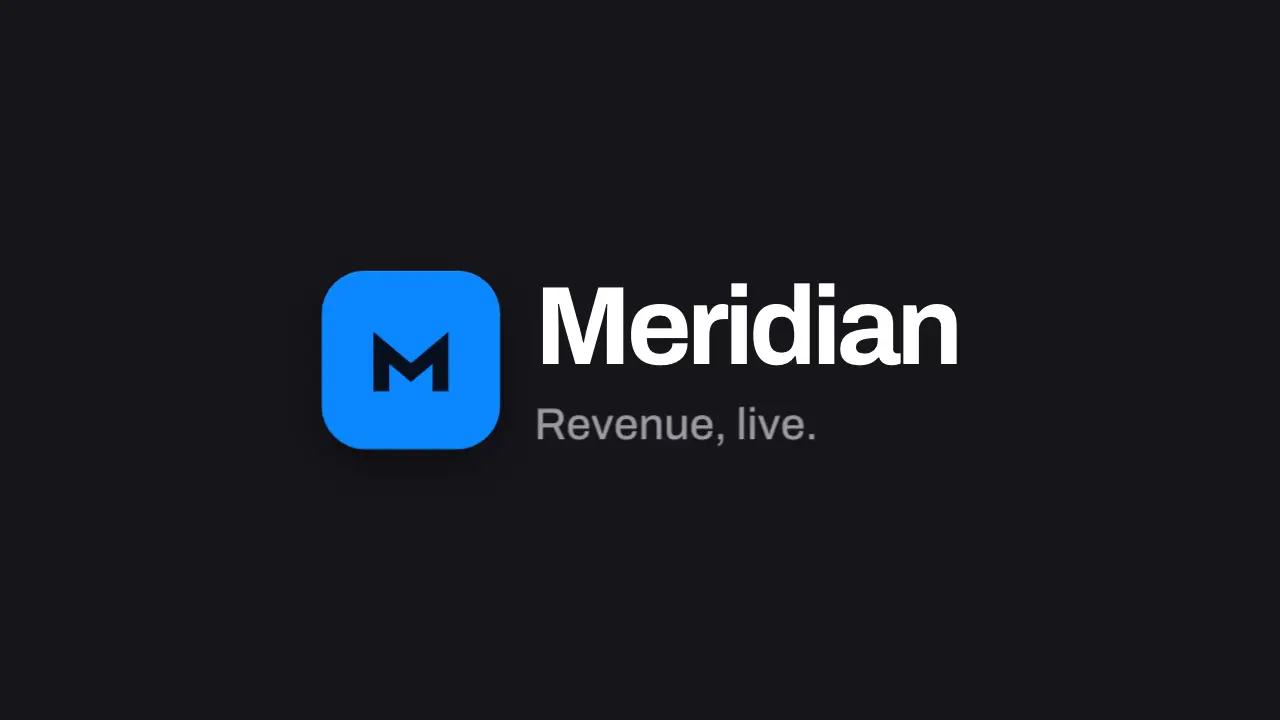
Use when the last beat hands the product over to the brand. The UI leaves layer by layer, top layer first (toast, widgets, top bar, sidebar, window), each outward and blurring on an accelerating curve, while the one mark that lived in the sidebar travels to the middle and becomes the lockup. Clip: ui-strip-away.mp4. Demo: demo/ui-strip-away.html.
The code
<div class="app">...<div class="slot"></div>...<div class="card peel" data-to="-5 -5">...</div></div>
<div class="lockup"><div class="mark"></div><div><div class="word">Meridian</div><div class="tag">Revenue, live.</div></div></div>
<script type="module">
import { EASE } from '../../core/motion/presets.js';
[toast, ...cards, topbar].forEach((el, i) => {
  const [x, y] = el.dataset.to.split(' ');
  el.animate([{ opacity: 1, translate: '0 0', scale: 1, filter: 'blur(0px)' }, { opacity: 0, translate: `${x}vh ${y}vh`, scale: 1.03, filter: 'blur(7px)' }],
    { duration: 300, delay: 150 + i * 45, easing: EASE.launch, fill: 'both' });
});
sidebar.animate([{ opacity: 1, translate: '0 0' }, { opacity: 0, translate: '-12vh 0' }], { duration: 300, delay: 400, easing: EASE.launch, fill: 'both' });
app.animate([{ opacity: 1, scale: 1 }, { opacity: 0, scale: 1.03 }], { duration: 260, delay: 520, easing: EASE.launch, fill: 'both' });
const from = slot.getBoundingClientRect(), to = mark.getBoundingClientRect();
mark.animate([{ translate: `${from.x + from.width / 2 - to.x - to.width / 2}px ${from.y + from.height / 2 - to.y - to.height / 2}px`, scale: from.width / to.width }, { translate: '0 0', scale: 1 }],
  { duration: 700, delay: 300, easing: EASE.land, fill: 'both' });
word.animate([{ clipPath: 'inset(-0.3em 100% -0.3em 0)' }, { clipPath: 'inset(-0.3em -0.3em -0.3em 0)' }], { duration: 600, delay: 750, easing: EASE.land, fill: 'both' });
</script>
Easing and timing
The clip runs 2 s. The look is vawe.
The clip uses 3 named eases from core/motion/presets.js. Each is a pair of After Effects handles: influence is how far along the segment the handle reaches, and speed is how fast the value moves at the key, as a multiple of the segment's average speed. Motion in the docs explains both.
| Ease | Leaving a key | Arriving at a key |
|---|---|---|
glide | 33% influence, speed 0 | 33% influence, speed 0.1 |
land | 12% influence, speed 4.8 | 75% influence, speed 0 |
launch | 33% influence, speed 0 | 25% influence, speed 3 |
Notes
The mark is one element: it sits in the sidebar slot at frame 0 and is already in its lockup place, so the travel is a start offset and scale that ease to zero (a FLIP), and the eye follows one object from product to brand. Layers leave outward from the middle, 45 ms apart, 300 ms each on a cubic accelerate: the whole strip takes 0.8 s and the mark lands as the window clears. Blur grows only while a layer moves. Keep the tagline to two or three words so it holds 1.2 s; a slow 3.5 percent push on the lockup keeps the last frames alive.
Looks (ground, type, radius, accent) live in demo/demo.css; this snippet keeps neutral tokens.
Sound
Sound: chime at 0.75 s into the move, when the word opens beside the landed mark (default gain); nothing on the layers leaving.
Related moves

See all 125 moves. Learn how a page becomes a film in the docs, copy chains of moves from the recipes, or read the motion guide.