Speed ramp freeze
When to use
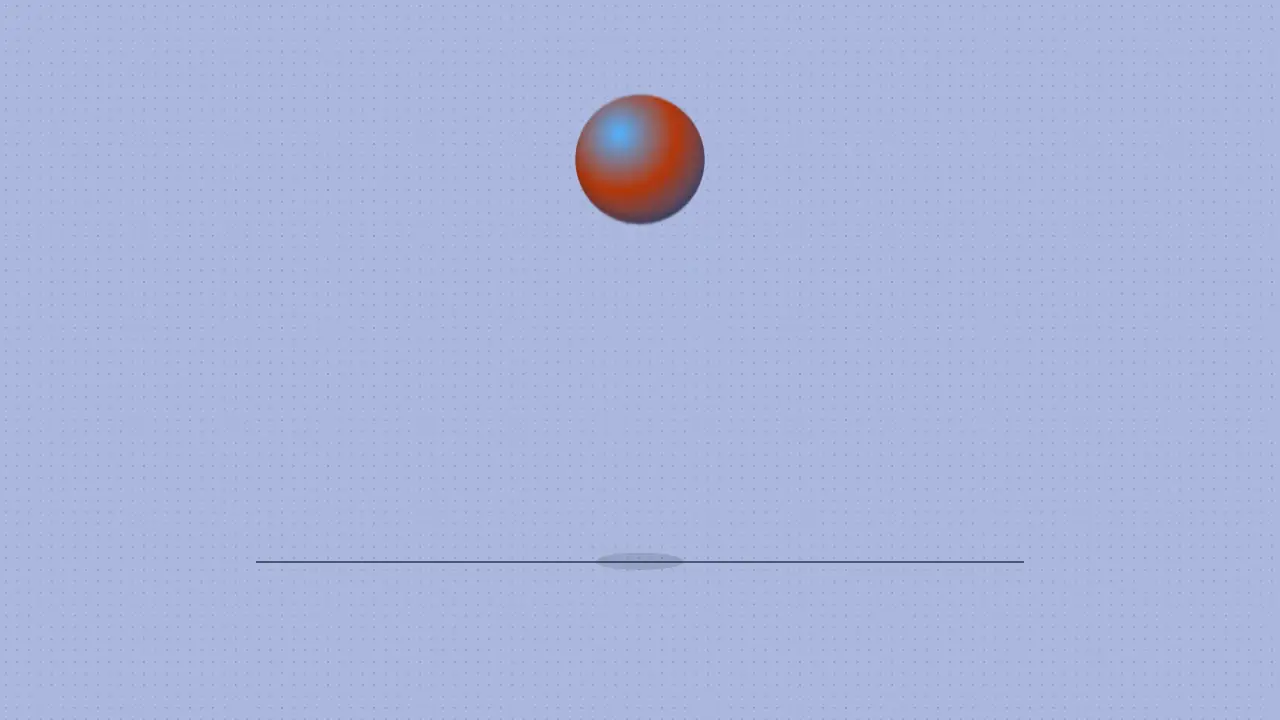
Use when a beat needs weight before a change: motion slows to a near hold on the hit frame, then snaps on at more than full speed. It is a time remap, not an easing: story time is the integral of a speed curve, so everything that moves (the ball, its squash, the ring, the camera push) slows, stops and restarts together. The detail that sells it is the hit frame itself: at the deepest squash the blur is gone, the frame is sharp and slightly pushed in, and it is not dead (speed 0.03, not 0). Clip: speed-ramp-freeze.mp4. Demo: demo/speed-ramp-freeze.html.
The code
import '../../core/engine/page-api.js';
import { easeFn } from '../../core/motion/presets.js';
const land = easeFn('landSoft'), settle = easeFn('settle'), smooth = (x) => settle(Math.min(1, Math.max(0, x)));
const T = { ramp: 0.35, rampLen: 0.4, hold: 0.75, snap: 1.0 }, FREEZE = 0.03;   // seconds of real time
const speed = (t) => t < T.hold ? 1 - (1 - FREEZE) * smooth((t - T.ramp) / T.rampLen)
                  : t < T.snap ? FREEZE : 1 + 2.5 * Math.exp(-(t - T.snap) / 0.1);   // the snap: 3.5x, settling to 1x
const DT = 1 / 240, tau = [0];                                  // story time, integrated once, read by interpolation
for (let i = 1; i <= 480; i++) tau.push(tau[i - 1] + speed(i * DT) * DT);
vawe.onFrame((t) => {
  const p = tauAt(t);                                           // every position below is a function of p, never of t
  ball.style.transform = `translateY(${y(p)}px) scale(${1 + 0.32 * squash(p)}, ${1 - 0.36 * squash(p)})`;
  blur.setAttribute('stdDeviation', `0 ${Math.min(26, Math.abs(y(tauAt(t + 1 / 120)) - y(tauAt(t - 1 / 120))) / 2 * 0.3)}`);   // real-time speed
  world.style.transform = `scale(${1 + 0.06 * (1 - speed(t))})`;  // the push in follows the slow-down and drops at the snap
});
Easing and timing
The clip runs 1.5 s. The look is chrome.
The clip uses 2 named eases from core/motion/presets.js. Each is a pair of After Effects handles: influence is how far along the segment the handle reaches, and speed is how fast the value moves at the key, as a multiple of the segment's average speed. Motion in the docs explains both.
| Ease | Leaving a key | Arriving at a key |
|---|---|---|
landSoft | 20% influence, speed 2.5 | 75% influence, speed 0 |
settle | 60% influence, speed 0 | 60% influence, speed 0 |
Notes
Fall on y = -drop * (1 - (p / touch)^2) (gravity in story time), squash between the touch and the hit, rebound on EASE.landSoft of p - hit. The ramp is 0.4 s and the hold 0.25 s: a shorter hold reads as a stutter, a longer one as a dropped frame. The blur is measured in real time, so it vanishes in the hold and peaks (26 px) on the snap: that contrast is what the eye reads as speed. This is the slowest beat the film needs (at least 3x the fastest); use it once. Do not freeze on a frame that is mid-blur or has nothing to hit: the freeze needs a contact.
Looks (ground, type, radius, accent) live in demo/demo.css; this snippet keeps neutral tokens.
Sound
Sound: droplet at 0.75 s into the move, on the contact of the hit frame (default gain); nothing on the snap.
Related moves





See all 125 moves. Learn how a page becomes a film in the docs, copy chains of moves from the recipes, or read the motion guide.