Variable weight wave
When to use
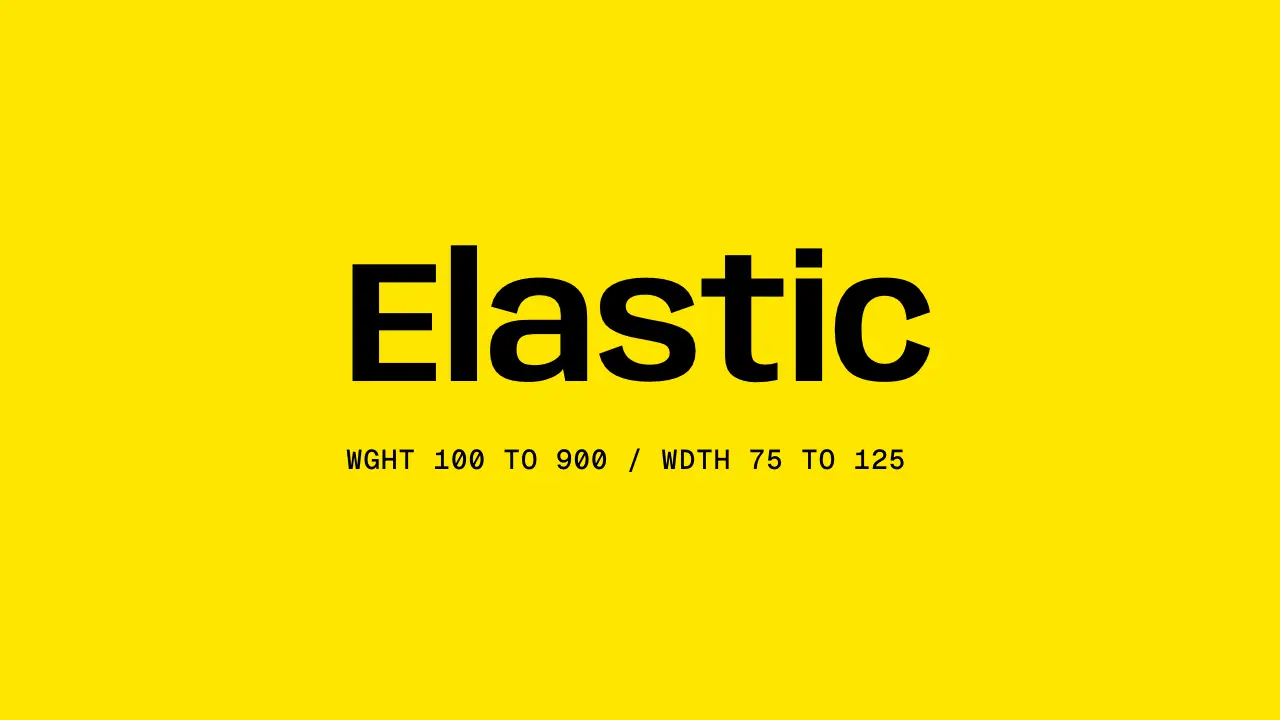
Use when one hero word must feel alive on arrival: a crest of weight and width travels through its letters from left to right, then every letter settles at a firm weight. The axes are real (Anybody carries wght 100 to 900 and wdth 75 to 125), so stems thicken and glyphs widen, and the word breathes in width as the crest passes. Clip: variable-weight-wave.mp4. Demo: demo/variable-weight-wave.html.
The code
@font-face { font-family: 'Anybody'; font-weight: 100 900; font-stretch: 75% 125%; font-display: block;
             src: url('/assets/fonts/Anybody.woff2') format('woff2'); }
h1 { display: flex; font: 300 24vh/1 'Anybody', sans-serif; font-stretch: 80%; letter-spacing: -0.02em; }
h1 span { display: block; animation-name: crest; animation-duration: 1.1s; animation-timing-function: linear;
          animation-delay: calc(0.1s + var(--i) * 0.085s); animation-fill-mode: both; }
@keyframes crest {
  0%   { font-weight: 300; font-stretch: 80%;  animation-timing-function: var(--rise); }
  38%  { font-weight: 900; font-stretch: 125%; animation-timing-function: var(--settle); }
  100% { font-weight: 640; font-stretch: 100%; }
}
Easing and timing
The clip runs 2.4 s. The look is brutal.
The clip uses 2 named eases from core/motion/presets.js. Each is a pair of After Effects handles: influence is how far along the segment the handle reaches, and speed is how fast the value moves at the key, as a multiple of the segment's average speed. Motion in the docs explains both.
| Ease | Leaving a key | Arriving at a key |
|---|---|---|
carry | 33% influence, speed 0 | 12% influence, speed 4.8 |
land | 12% influence, speed 4.8 | 75% influence, speed 0 |
Notes
// --rise: EASE.carry, --settle: EASE.land
word.innerHTML = [...word.textContent].map((c, i) => `<span style="--i:${i}">${c}</span>`).join('');
The numbers that make it look expensive
- 85 ms between letters and 1.1 s per letter: the crest (38 percent, 0.42 s in) of one letter passes while the next is still rising, so the wave is one shape, not seven pops.
- The rise is
EASE.carry(the letter gathers), the fall isEASE.land(it lets go and settles). The word rests at 640, not at the start weight: the start is light, the end is firm, so the move also lands the word. - Weight and width move together on the same keyframes. Weight alone is weight-morph.md; the width axis is what makes the wave read at a glance.
- Start at 300, not 100: a hairline vanishes on the ground and the first frames read as empty.
- Set
font-weightandfont-stretch, neverfont-variation-settings: the properties keep working with a fallback face. The@font-facemust declare both ranges, or the browser snaps to the nearest static instance and nothing morphs. - The flex row and the letters' changing width re-centre the word each frame. That is the breathing; pin the first letter's left edge instead if the word must not move.
The common mistake
Animating one font-weight on the whole h1 and staggering nothing: it is a morph, not a wave. And a face with one weight: check wght and wdth in the font file before you write the keyframes.
Looks (ground, type, radius, accent) live in demo/demo.css; this snippet keeps neutral tokens.
Sound
Sound: none; or one low swell from the first letter's second to the last crest.
Related moves

See all 125 moves. Learn how a page becomes a film in the docs, copy chains of moves from the recipes, or read the motion guide.