Worlds
A world is the one element that holds one beat of the film. The checks, the stills and the sound cues find the beats through it.
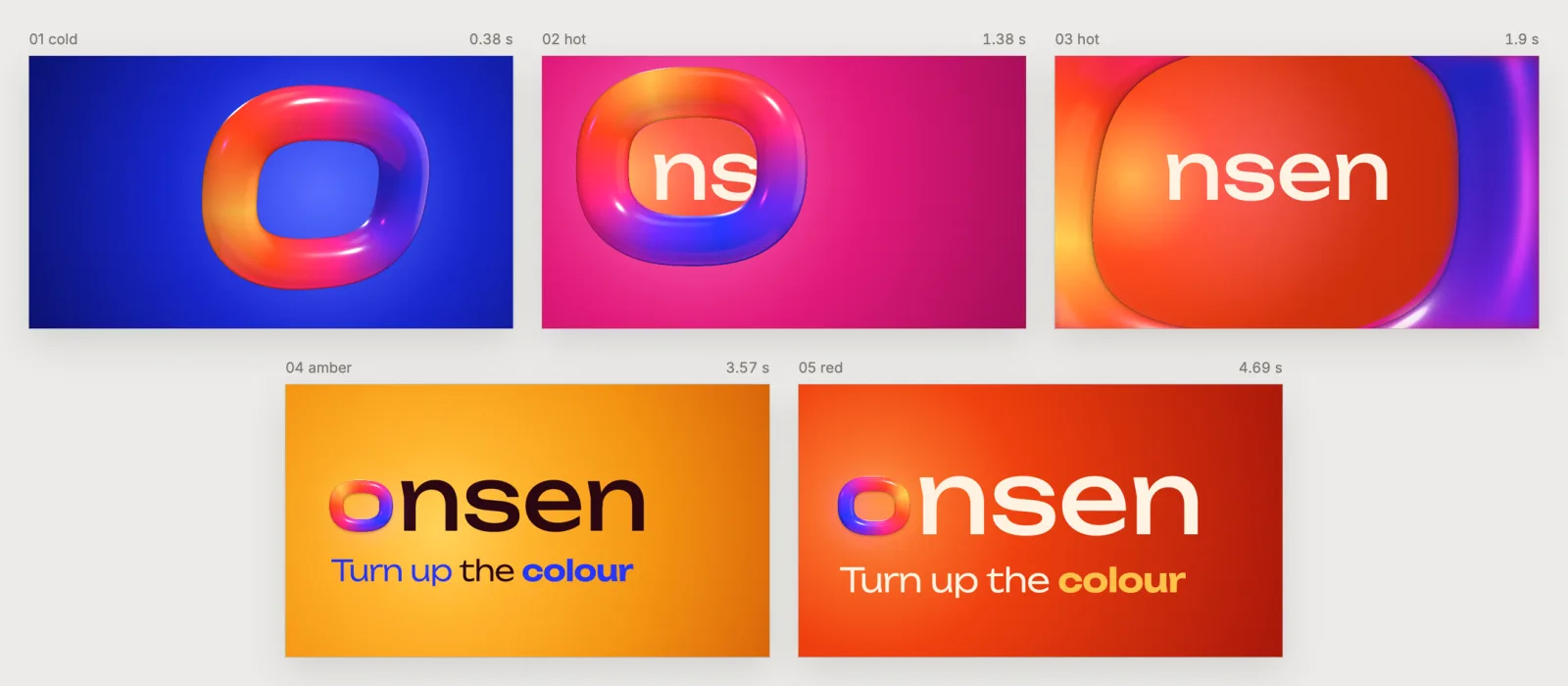
A worldA world is the one element that holds one beat of the film, marked with data-world="<id>". is an element with data-world="<id>". It holds one beatA beat is one part of the story with one idea, such as the hook, a feature or the end. of the film: one part of the story with one idea. Each beat has its own world element.
Why it exists
A page is one HTML file with no cuts in it. The renderer sees a stream of frames, so it cannot know where one beat ends and the next starts. The data-world attribute tells it. With the worlds, vawe can do these jobs:
bin/vawe frames <page>writes one still of each world, before any motion exists.- The
world-heldcheck finds a beat that stays on screen too long. bin/vawe sound <track> --cuts <page>reads the exact world starts from the DOM and compares them with the beat grid of a music file you give.data-on="world:<id>"on an<audio>tag starts a cue with a world, so the cue follows the world when you move it.- The text checks skip a pair of texts that belong to two different worlds, because a cutA cut is the change from one world to the next. is in progress.
- The draft check compares the Board with the page. It reports when the Board lists a different number of beats than the page has worlds.
How it works
The draft check (harness/media/world-sample.mjs) seeks the page and asks of each world element, frame by frame, whether it shows. A world shows when all of these are true:
- No ancestor has
display: none, and the element does not havevisibility: hidden. - The opacity of the element, multiplied with the opacity of its ancestors, is above 0.05.
- The box of the element is not empty and meets the viewport.
The check reads every third frame, and every frame between two reads that differ. A world of 0.1 s or more is therefore always found, and its span is exact to the frame. The span starts at the first frame where the world shows. It ends at the first frame after it where the world is hidden.
For each span the check also reads the ground and the text that the world shows. The ground is the first non-transparent background of the element, its ancestors or a large descendant. From the text it computes the read time.
Write a world
Each world is a direct block of the page. Show one world at a time, and hide the others with opacity or display.
<div data-world="hook">
  <h1>Zero fees</h1>
</div>
<div data-world="proof">
  <p>Pay only for what you use.</p>
</div>- Use lowercase ids that match the Shots ids of the brief.
- Give each beat one world. Do not put two beats in one world, and do not split one beat over two worlds.
- A world that never shows gets no span (its start and end are empty).
- Two worlds in a row that show the same ground, words and things count as one world. Cut the world where the content changes, not where the id changes.
What the checks read
| check | what it reads | limit |
|---|---|---|
world-held | The span of each world. | 2 s, or the read time of the text plus 0.8 s, whichever is longer. A margin of 0.1 s applies. |
| read time | The words that the world shows. | A line of 4 words or more takes 0.6 s for each word. A shorter line takes 1.2 s or its words divided by 3, whichever is longer. The read time of one world never counts for more than 5 s. |
| board match | The number of worlds, against the Board beats. | The numbers must agree. |
To hold one world longer on purpose, declare a waiverA waiver is a declared break of a check rule, with a measured reason, in the page's <script id="authoring"> block., for example world-held@3.5-6.2. See Waivers.
Limits
- A world has no length of its own. Its span is what the animations make visible.
- The read time is a measure of the words, not of the meaning.
The page
Time and seek
Waivers
From the blogHTML to video format: the page contract