Halftone field
When to use
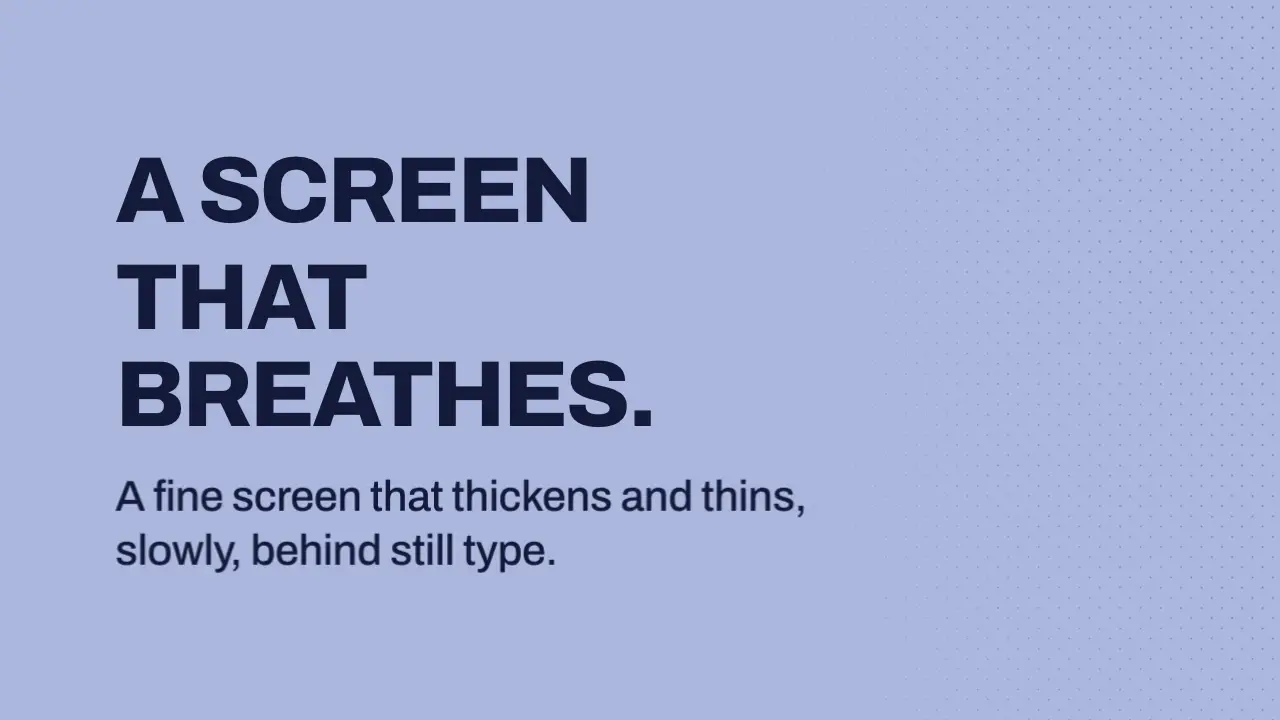
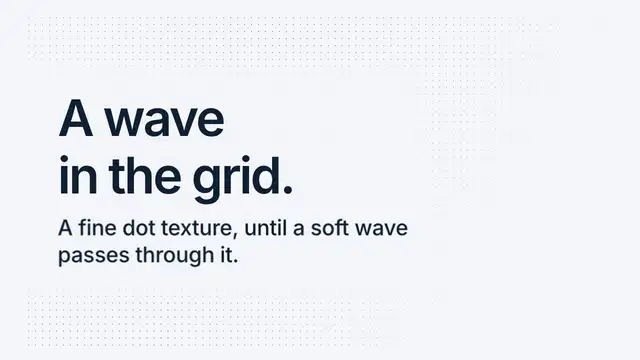
Use when a physical, printed or retro frame needs a ground that reads as paper texture and breathes only slowly: a fine 45 degree dot screen in one neutral ink, whose dot size and tone swell in a slow wave that travels across the frame. The dot centres never move, so the type on top reads as fixed. The screen is a texture, not a feature: dots about 2 to 3 px across at 1080 p. Clip: halftone-field.mp4. Demo: demo/halftone-field.html.
The code
import '../../core/engine/page-api.js';
import { shaderField } from '../../core/surfaces/shader-field.js';
const css = getComputedStyle(document.documentElement);
const rgb = (name) => { const h = css.getPropertyValue(name).trim(); return [1, 3, 5].map((i) => parseInt(h.slice(i, i + 2), 16) / 255); };
const frag = `
uniform vec3 u_ground, u_ink;
const float CELL = 0.020;                                      // pitch as a share of the frame height: 22 px at 1080
void main() {
  float aspect = u_res.x / u_res.y;
  vec2 p = gl_FragCoord.xy / u_res.y;
  vec2 g = vec2(p.x + p.y, p.y - p.x) * 0.7071 / CELL;         // rotate the screen 45 degrees
  vec2 id = floor(g), f = fract(g) - 0.5;
  vec2 c = (id + 0.5) * CELL;                                  // the wave reads the cell centre, so a dot is one size
  vec2 cp = vec2(c.x - c.y, c.x + c.y) * 0.7071;
  float wave = 0.5 + 0.5 * sin(2.2 * cp.x + 0.9 * cp.y - u_time * 1.6 + u_seed);    // a long plane wave
  float keep = 1.0 - 0.6 * smoothstep(0.80 * aspect, 0.56 * aspect, cp.x);          // thinner and paler behind the copy
  float radius = mix(0.05, 0.075, wave) * keep;                // 2.2 to 3.2 px across at 1080: a 1.5 times swing
  float aa = 1.0 / (u_res.y * CELL);                           // one pixel, in cell units
  vec3 ink = mix(u_ground, u_ink, (0.16 + 0.22 * wave) * keep);   // 16 percent at rest, 38 at the crest
  gl_FragColor = vec4(mix(u_ground, ink, smoothstep(radius + aa, radius - aa, length(f))), 1.0);
}`;
const field = shaderField(frag, { seed: 2, uniforms: { u_ground: rgb('--ground'), u_ink: rgb('--ink') } });
vawe.onFrame((t) => field.draw(t));                            // time is the seek
Easing and timing
The clip runs 4 s. The look is chrome.
The clip uses one named ease from core/motion/presets.js. Each is a pair of After Effects handles: influence is how far along the segment the handle reaches, and speed is how fast the value moves at the key, as a multiple of the segment's average speed. Motion in the docs explains both.
| Ease | Leaving a key | Arriving at a key |
|---|---|---|
land | 12% influence, speed 4.8 | 75% influence, speed 0 |
Notes
Owner feedback on the first version ("dot backgrounds I don't like, too big dots") rebuilt this move. The first version had 20 px dots on a 23 px pitch with a pink accent band. This one has 2.2 to 3.2 px dots (0.2 to 0.3 percent of the frame height) on a 22 px pitch at 1080, one neutral ink, and no accent. Taken from zeke/swiss-design: opacity, not a second hue, makes the hierarchy, and one accent at most (here none); from mengto/container-lines: structure drawn thin and at low opacity, behind the content. demo/demo.css tokens won where they differed.
Measured on the 4 s demo clip at 640 x 360 on the chrome look: the mean luma change is 0.25 per frame at 60 fps and about 0 once the copy has settled, below the 0.5 to 3.0 band. That is the cost of a fine screen: a 3 px dot covers under 2 percent of the frame, so even a 1.5 times swing changes almost no luma. The wave shows as a slow tide of tone, not as motion, and a viewer sees it on a full-size frame, not in the luma number. The worst contrast of the dark ink against the darkest pixel behind the text box is 6.5:1. Two renders of the 0.2 s slice matched and the third did not while other renders ran on the machine, so run the determinism check on a quiet machine.
Looks (ground, type, radius, accent) live in demo/demo.css; this snippet keeps neutral tokens.
Sound
Sound: none; a held ground is quiet.
Related moves
See all 125 moves. Learn how a page becomes a film in the docs, copy chains of moves from the recipes, or read the motion guide.