Light pool
When to use
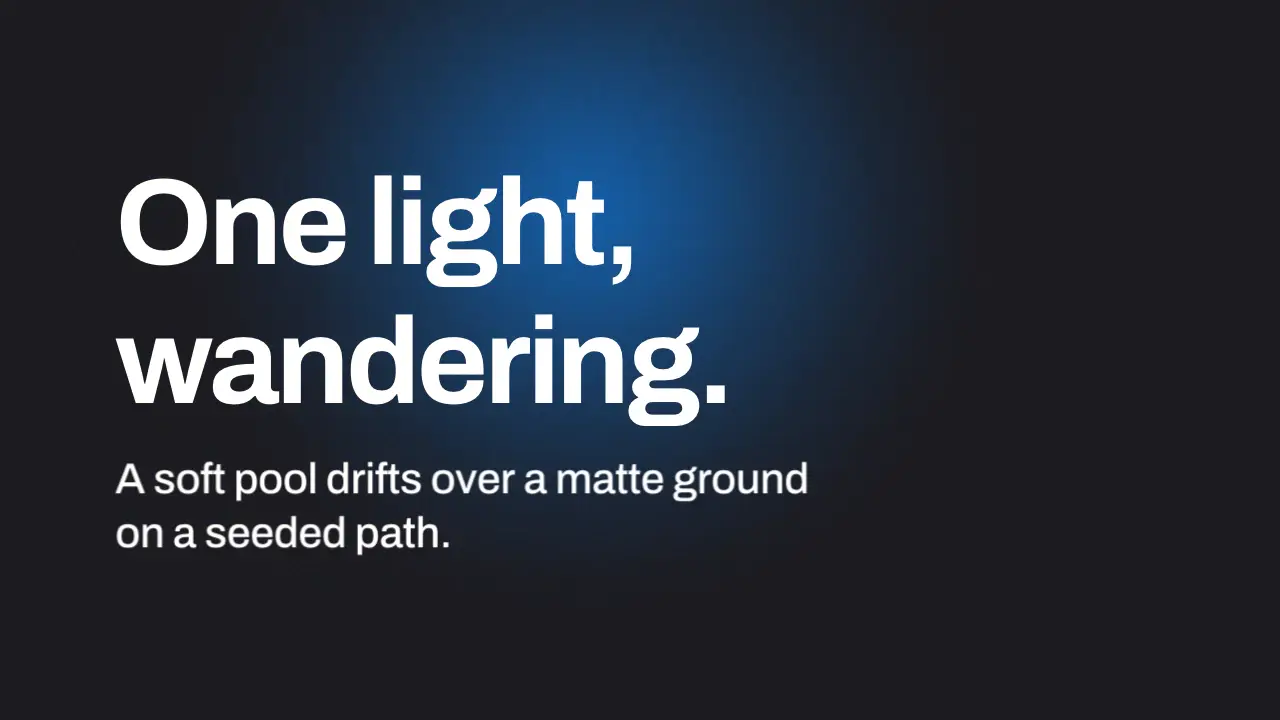
Status: a ground tint, not light. A CSS gradient on a div is not an optical effect (owner rule: optical effects are real, never CSS fakes). Use this only as a matte ground colour field; a bloom, glow or lit surface is lens work: lens, core/surfaces/lens.js. A wandering pool is a ground drift and never keeps a hold alive (rule live-hold).
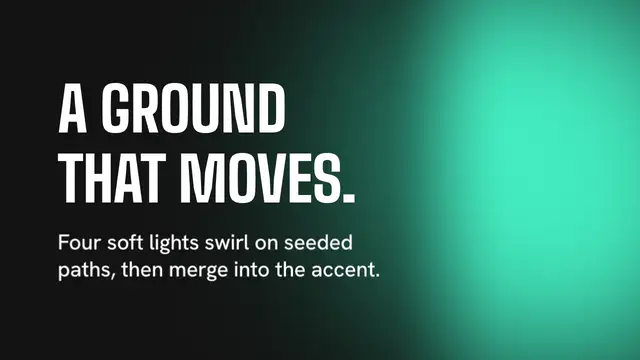
Use when a held, matte frame needs one slow event behind the type: a single soft pool of light that wanders over a flat dark ground. It is plain CSS (one radial gradient on one element) and a seeded path, so any page can use it without a shader. Clip: light-pool.mp4. Demo: demo/light-pool.html.
The code
<div class="pool" id="pool"></div>   <!-- aspect-ratio 1, width 115 u, border-radius 50% -->
<style>
  .pool { position: absolute; left: 0; top: 0; width: calc(var(--u) * 115); aspect-ratio: 1; border-radius: 50%;
          background: radial-gradient(closest-side,                        /* eased stops: a linear ramp shows a rim */
            color-mix(in srgb, var(--accent) 62%, transparent) 0%, color-mix(in srgb, var(--accent) 46%, transparent) 22%,
            color-mix(in srgb, var(--accent) 26%, transparent) 46%, color-mix(in srgb, var(--accent) 10%, transparent) 70%,
            color-mix(in srgb, var(--accent) 2%, transparent) 90%, transparent 100%); }
</style>
<script type="module">
import '../../core/engine/page-api.js';
import { noise1 } from '../../core/motion/springs.js';
const pool = document.getElementById('pool');
const RATE = 1.5;                                  // noise steps a second: a new heading about every 0.7 s
const AMP_X = 0.38, AMP_Y = 0.30;                  // travel as shares of the frame width and height
vawe.onFrame((t) => {
  const W = innerWidth, H = innerHeight, d = pool.offsetWidth;
  const x = W * (0.58 + AMP_X * noise1(t * RATE, 11)) - d / 2;   // seeded value noise: frame t is the same on every render
  const y = H * (0.45 + AMP_Y * noise1(t * RATE, 23)) - d / 2;
  pool.style.transform = `translate(${x.toFixed(1)}px, ${y.toFixed(1)}px)`;
});
</script>
Easing and timing
The clip runs 4 s. The look is vawe.
The clip uses one named ease from core/motion/presets.js. Each is a pair of After Effects handles: influence is how far along the segment the handle reaches, and speed is how fast the value moves at the key, as a multiple of the segment's average speed. Motion in the docs explains both.
| Ease | Leaving a key | Arriving at a key |
|---|---|---|
land | 12% influence, speed 4.8 | 75% influence, speed 0 |
Notes
Measured on the 4 s demo clip at 640 x 360 on the vawe look: the mean luma change is 0.56 per frame at 60 fps, but only 0.26 once the copy has settled, so this is the stillest ground of the group: it passes the 0.5 to 3.0 band on the whole clip only because the copy's entrance adds change. Treat it as a hold with a pulse, not as a flow, and use gradient-mesh-field when the ground must visibly flow. The worst contrast of white ink against the lightest pixel behind the text box is 6.2:1 over 12 frames, at a peak accent mix of 62 percent. The first render used a 130 u pool, a linear gradient, 46 percent and a noise rate of 1.1: it measured 0.45, and the linear ramp left a visible rim at the pool edge. Eased stops removed the rim. The demo adds a static grain layer (.matte, 5 percent) so the dark gradient does not band in the encode. The pool never blurs and never carries a second pool: two pools read as a mesh, which is another move.
Looks (ground, type, radius, accent) live in demo/demo.css; this snippet keeps neutral tokens.
Sound
Sound: none; a held ground is quiet.
Related moves

See all 125 moves. Learn how a page becomes a film in the docs, copy chains of moves from the recipes, or read the motion guide.