Swipe continues
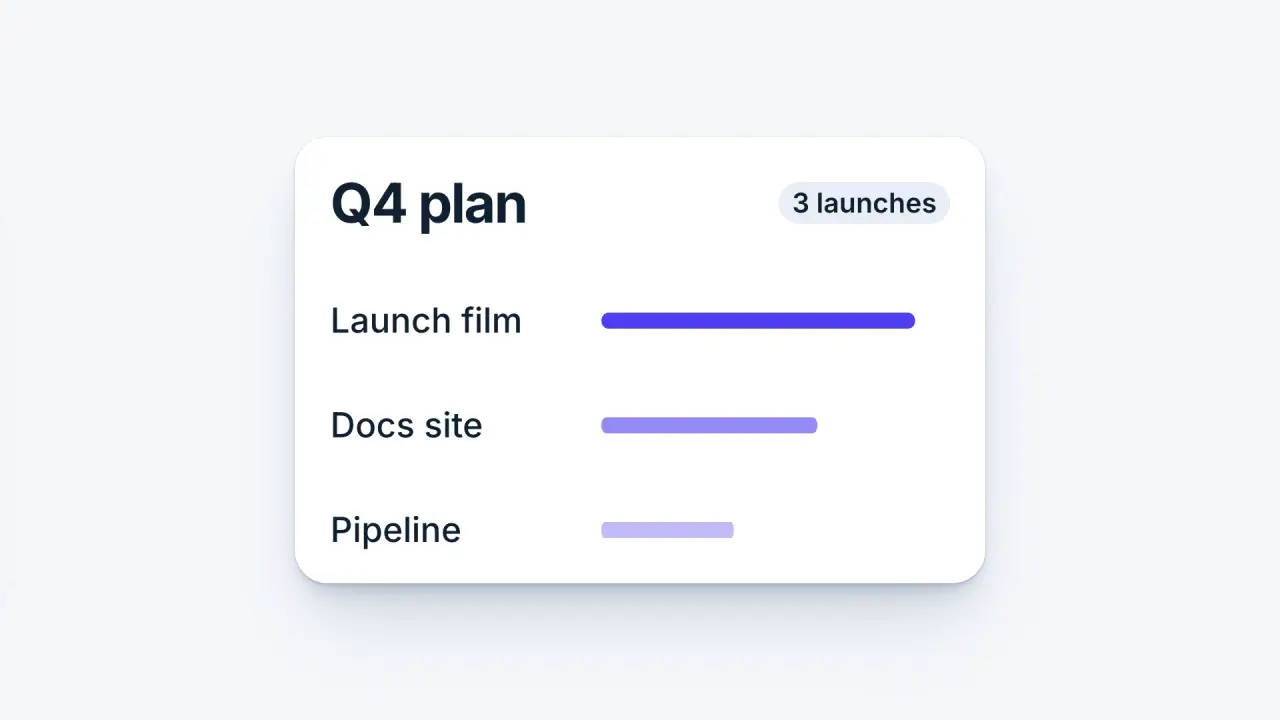
When to use
Use when one scene hands over to the next as a single gesture: a card is swiped left, and the next scene arrives from the right at the speed the card left. One belt carries both cards, so there is no cut and no crossfade. The detail that sells it is the seam: the finger lets go at the peak, the belt keeps that speed for the frame the cards cross, and only then does the next card brake. The measured speed is the same on both sides of the seam (a peak of about 6 frame heights a second, 6400 px/s at 1080 p, read with bin/vawe velocity). Clip: swipe-continues.mp4. Demo: demo/swipe-continues.html.
The code
import { easeFn } from '../../core/motion/presets.js';
const carry = easeFn('carry'), land = easeFn('land');            // fast at its end / fast at its start
const TRAVEL = 0.80 * W, EXIT_SHARE = 0.4;                       // card A sits 0.80 W left of card B: B starts off screen
const T0 = 0.55, D_OUT = 0.4, D_IN = 0.6, T1 = T0 + D_OUT;       // belt starts, the throw, the brake
// both curves meet at 4.8 x their average speed: share * TRAVEL / D_OUT = (1 - share) * TRAVEL / D_IN
const belt = (t) => (t < T1
  ? EXIT_SHARE * TRAVEL * carry(clamp((t - T0) / D_OUT))
  : EXIT_SHARE * TRAVEL + (1 - EXIT_SHARE) * TRAVEL * land(clamp((t - T1) / D_IN)));
vawe.onFrame((t) => {
  layers.forEach((l, j) => {                                      // 8 copies at shutter times: real motion blur
    const tj = t + (j / 7 - 0.5) * 0.5 / 60;
    l.belt.style.transform = `translateX(${-belt(tj)}px)`;       // .belt holds card A and card B, B at left: 50% + 74vw
  });
});
Easing and timing
The clip runs 3 s. The look is daylight.
The clip uses 3 named eases from core/motion/presets.js. Each is a pair of After Effects handles: influence is how far along the segment the handle reaches, and speed is how fast the value moves at the key, as a multiple of the segment's average speed. Motion in the docs explains both.
| Ease | Leaving a key | Arriving at a key |
|---|---|---|
carry | 33% influence, speed 0 | 12% influence, speed 4.8 |
land | 12% influence, speed 4.8 | 75% influence, speed 0 |
launch | 33% influence, speed 0 | 25% influence, speed 3 |
Notes
Cause comes first: the finger lands on the card 0.25 s before the belt moves, drags it, and lets go at the seam (it grows and fades in 0.12 s on launch). The card leaves faster than the next one arrives: 0.4 s of throw against 0.6 s of brake, 40 percent of the travel on the throw side. That ratio is not free: the two curves only meet at the same speed when EXIT_SHARE * TRAVEL / D_OUT equals (1 - EXIT_SHARE) * TRAVEL / D_IN. Change a duration and change the share with it, then read the speed graph: the peak must be one point, not a step.
What goes wrong: a gap under 0.80 W (cards 0.54 W wide) shows card B at the frame edge at rest, so keep card B's left edge past the frame; two separate tweens, one per card, each with its own ease, step at the seam and read as two swipes; a swipe longer than 0.5 s of throw reads as a slide, not a flick. The camera does not move: the belt is the only motion, and the ground stays still behind it.
Looks (ground, type, radius, accent) live in demo/demo.css; this snippet keeps neutral tokens.
Sound
Sound: a soft swish at 0.55 s, as the finger drags; the landing makes no sound.
Related moves
See all 125 moves. Learn how a page becomes a film in the docs, copy chains of moves from the recipes, or read the motion guide.