Thumbnail grid
When to use
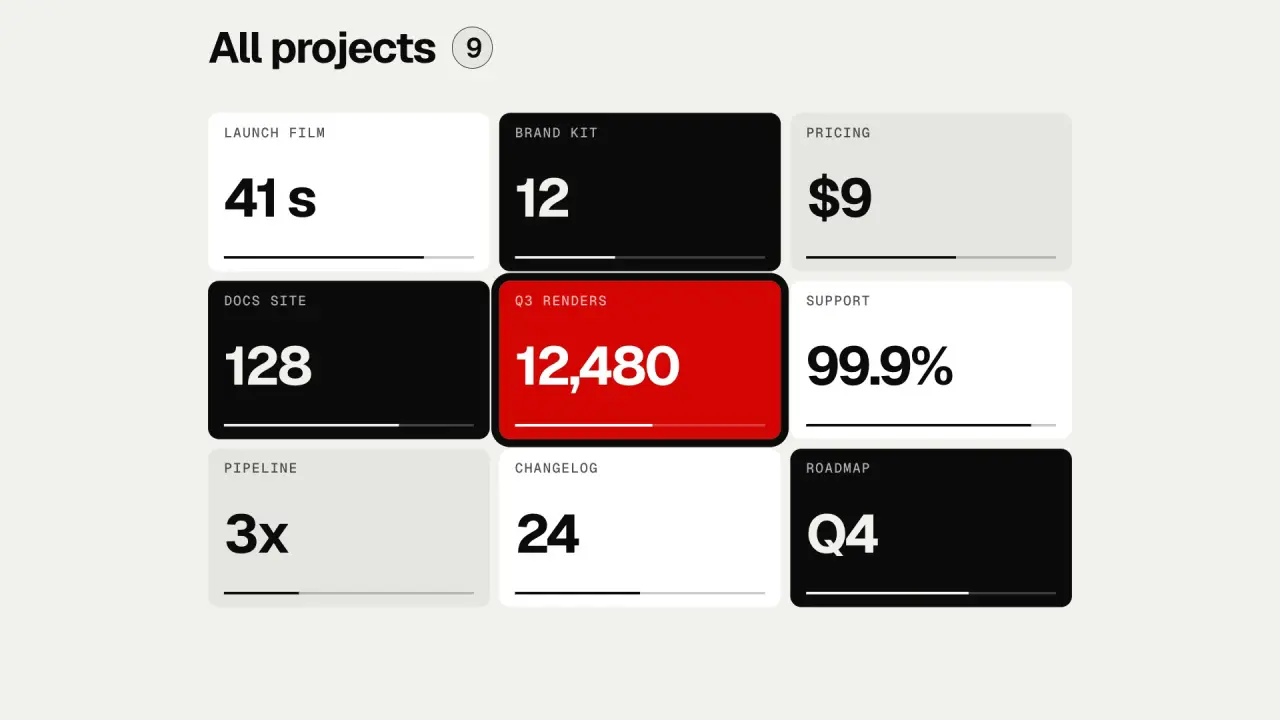
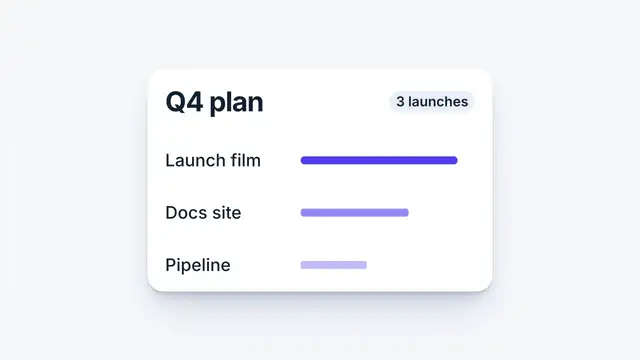
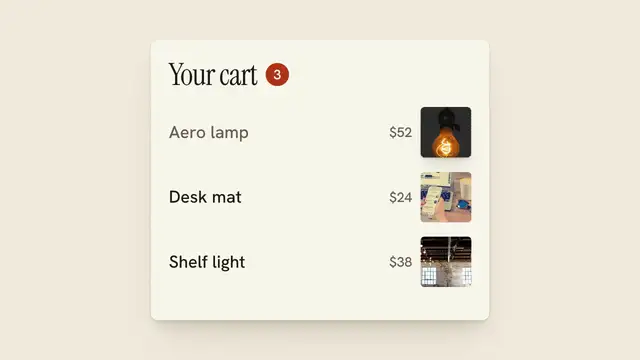
Use when the film steps back from one scene to show where it sits among others: the scene shrinks into a thumbnail, and the pull back reveals its neighbours; the grid is the next scene ("all projects", "your library", "the whole roadmap"). One camera move does it: a pull back in log space, centred on the starting scene, with no push after. The neighbours were always there, off the edge of the frame, so nothing arrives and nothing fades. Clip: thumbnail-grid.mp4. Demo: demo/thumbnail-grid.html. Not grid-tile-flip, which flips tiles over to shot B.
The code
import { easeFn } from '../../core/motion/presets.js';
const settle = easeFn('settle');
const AT = 0.7, DUR = 1.5, S_END = 0.22, GAP = 6 * u;               // 3 x 3 cells, each one frame (W x H) in the world
// cell (c, r) sits at ((c - 1) * (W + GAP), (r - 1) * (H + GAP)) from the centre; the middle one is shot A
vawe.onFrame((t) => {
  const p = settle(clamp((t - AT) / DUR)), s = Math.exp(Math.log(S_END) * p);   // one scale, about the centre: A is the middle cell
  world.style.transform = `scale(${s})`;                                       // .world is a 0 x 0 box at the frame centre
  cells.forEach((c) => { c.style.borderRadius = `${7 * u * p}px`; });          // A starts square: it is the full frame
});
// after the pull back: the title and a ring round A enter on EASE.land; A's own bar was moving before it started, and the neighbours' bars fill in during the hold
Easing and timing
The clip runs 3.4 s. The look is swiss.
The clip uses 2 named eases from core/motion/presets.js. Each is a pair of After Effects handles: influence is how far along the segment the handle reaches, and speed is how fast the value moves at the key, as a multiple of the segment's average speed. Motion in the docs explains both.
| Ease | Leaving a key | Arriving at a key |
|---|---|---|
land | 12% influence, speed 4.8 | 75% influence, speed 0 |
settle | 60% influence, speed 0 | 60% influence, speed 0 |
Notes
The scale ends at 0.22: the grid fills about 68 percent of the frame, which leaves room for a title above it. Pull back to 0.35 or more and the neighbours read as clipped; under 0.2 the cell text is too small to read, so set the labels at 8 to 9 percent of frame height in world units. Put the shot you leave in the middle cell: the camera then needs only a scale about the frame centre, with no pan, and the move reads as one gesture. If it must sit in a corner, scale about the pivot P = (C - s_end * G) / (1 - s_end) (C the frame centre, G the grid centre) so the scale and the pan are one motion, never two.
Neighbour cells need real content in the same scale as the first (a label, a number, a bar), set in world units so they read as scenes, not as tiles. Radius and gap are world units too: set them from the progress so the first frame has square corners and the last frame has the look's radius. The selection ring (the shot you came from) enters after the move has settled, on EASE.land. The camera never moves back; if the next beat needs a closer look at a tile, that is a second move, after a hold.
Looks (ground, type, radius, accent) live in demo/demo.css; this snippet keeps neutral tokens.
Sound
Sound: none; the pull back is felt, and the title takes the one cue.
Related moves

See all 125 moves. Learn how a page becomes a film in the docs, copy chains of moves from the recipes, or read the motion guide.