Word portal
When to use
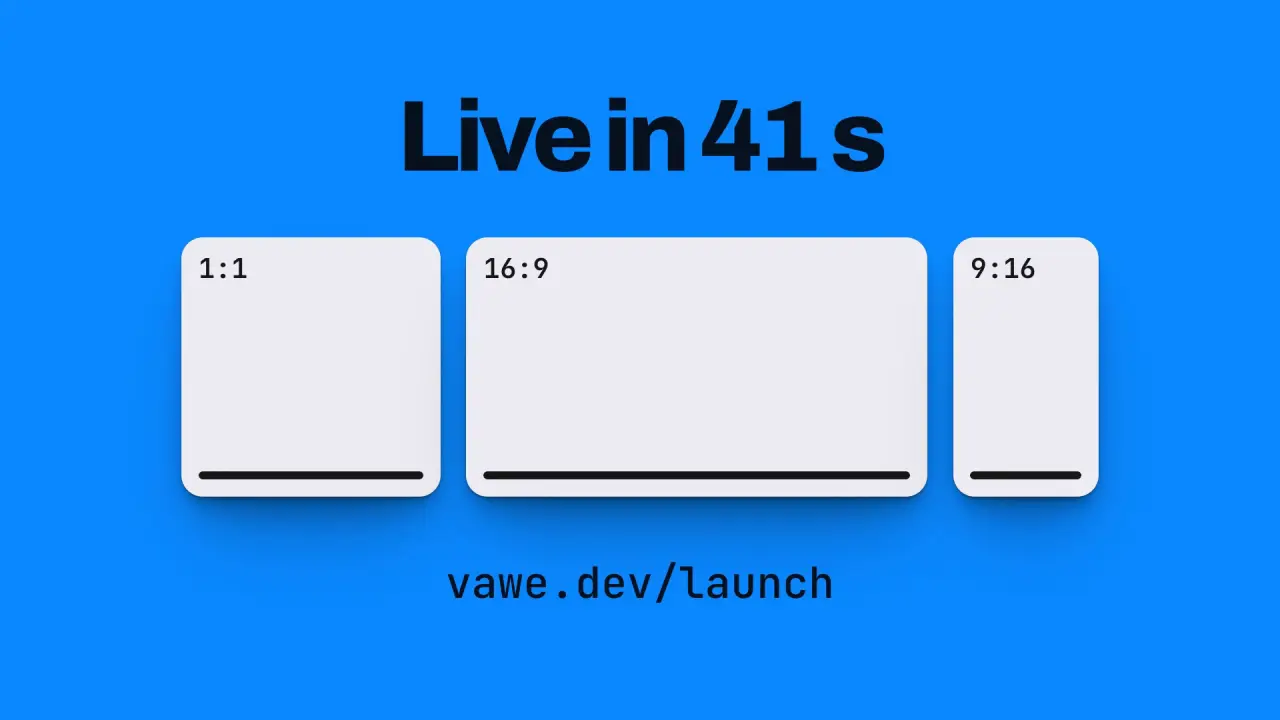
Use when a typed word is on screen and the next scene should appear inside its letters: the word grows until one stem is the whole frame, and scene B shows through the letterforms the whole way. The word is the shared element, and it is a window, not a filled shape. The detail that sells it is that B is fixed and the letters move over it, so the view through the glyphs slides like a real window until the stem is wider than the frame and B is all there is. Clip: word-portal.mp4. Demo: demo/word-portal.html. type fill transition fills the frame with a flat colour; this one keeps a live scene inside the type.
The code
<svg width="0" height="0"><defs><clipPath id="portal" clipPathUnits="userSpaceOnUse"><text id="ptext"></text></clipPath></defs></svg>
<section class="b" style="clip-path: url(#portal)">...scene B, its ground in the colour of the word...</section>
Easing and timing
The clip runs 3.8 s. The look is vawe.
The clip uses 2 named eases from core/motion/presets.js. Each is a pair of After Effects handles: influence is how far along the segment the handle reaches, and speed is how fast the value moves at the key, as a multiple of the segment's average speed. Motion in the docs explains both.
| Ease | Leaving a key | Arriving at a key |
|---|---|---|
land | 12% influence, speed 4.8 | 75% influence, speed 0 |
swap | 75% influence, speed 0 | 75% influence, speed 0 |
Notes
import '../../core/engine/page-api.js';
import { easeFn } from '../../core/motion/presets.js';
const swap = easeFn('swap'), land = easeFn('land');
const T0 = 1.6, DUR = 1.15, STEM = 0.19;                             // STEM: ink width of the first letter's stem as a share of the font size
vawe.onFrame((t) => {
  const ext = measure.getExtentOfChar(0);                            // a hidden copy of the full word, so the aim does not move while it types
  const ox = ext.x + ext.width / 2, oy = Y0 - 0.37 * F;              // the middle of the stem of the first letter
  const S = (1.15 * W) / (STEM * F);
  const q = clamp((t - T0) / DUR), p = 0.4 * q + 0.6 * swap(q), s = Math.exp(Math.log(S) * p);   // log path: equal steps read as equal speed
  const px = ox + (W / 2 - ox) * p, py = oy + (H / 2 - oy) * p;      // the stem drifts to the middle as it grows
  ptext.textContent = WORD.slice(0, typed);
  ptext.setAttribute('transform', `translate(${px - s * ox} ${py - s * oy}) scale(${s})`);
  caret.style.transform = `translate(${px - s * ox}px, ${py - s * oy}px) scale(${s})`;   // the caret grows with the word
  b.style.clipPath = q >= 1 ? 'none' : 'url(#portal)';               // the stem covers the frame: drop the mask
  pops.forEach((el, i) => { el.style.translate = `0 ${(1 - land(clamp((t - T0 - 0.1 - i * 0.12) / 0.7))) * 7 * u}px`; });
});- Z-order: scene A (ground, label, caret) under, scene B over it, clipped by the glyphs. A is never faded: it is whatever the letters do not cover.
- Scene B's ground is the colour of the typed word, so the typed word is B's ground seen through the letters. At the first frame of the growth nothing changes on screen. B's own elements then arrive inside the glyphs, and that is when the viewer sees a scene in the type.
- Aim at the stem of a letter with a plain vertical stem (l, I, T). A round letter has no stem to fill the frame. The scale is
1.15 * W / (STEM * F), about 41 for a 26 u word, which is why the growth runs on a log path and ends with the stem opening as a tall window across the frame. - B's elements sit away from the typed word's first position, or they show inside the letters before the move starts. B is graphic, not a line of text: three format tiles sit in the middle of the frame, so the letters show whole tiles while they grow, and the headline and URL arrive after them. The word is centred on the frame, so the stem has a short way to the middle.
- The word types at 0.14 s a letter and the portal opens on a lit caret after two blinks.
- What goes wrong: a thin face leaves no window, so use weight 800 or more. Leaving the
clip-pathon after the stem is wider than the frame costs a huge path for nothing. A caret in a layer that does not take the same matrix stays behind and reads as a cut.
Looks (ground, type, radius, accent) live in demo/demo.css; this snippet keeps neutral tokens.
Sound
Sound: none; the typed characters are the film's keys, and the growth needs no extra cue.
Related moves


See all 125 moves. Learn how a page becomes a film in the docs, copy chains of moves from the recipes, or read the motion guide.