Caret door
When to use
Use when a typed command is done and the next screen should open out of the caret: the blinking caret grows tall, then opens like a door, a vertical bar widening to a panel that is the next screen. The caret is the shared element and the door's axis. There is no cut and no crossfade. The detail that sells it is real depth: the door is a two-frame-wide leaf that turns about the caret under perspective, so one side swings toward the viewer and sweeps the typed line off the frame while the far side shrinks. Clip: caret-door.mp4. Demo: demo/caret-door.html.
The code
import '../../core/engine/page-api.js';
import { easeFn } from '../../core/motion/presets.js';
const land = easeFn('land'), settle = easeFn('settle'), launch = easeFn('launch');
const T_GROW = 1.3, D_GROW = 0.5, T_OPEN = 1.8, D_OPEN = 0.9, RETRACT = 0.3, PERSPECTIVE = 1.7 * W;
vawe.onFrame((t) => {
  const rl = line.getBoundingClientRect(), cx = rl.right + 0.5 * u, cy = (rl.top + rl.bottom) / 2;   // the caret sits at the end of the typed text
  const g = land(clamp((t - T_GROW) / D_GROW)), dip = Math.sin(Math.PI * clamp((t - T_GROW + 0.12) / 0.12)) * 0.08;   // gather 8 percent, then rise
  const h = (7.4 * u * (1 - dip) + (1.04 * H - 7.4 * u) * g) * (1 - launch(clamp((t - T_OPEN) / RETRACT)));
  Object.assign(caret.style, { left: `${cx - 0.6 * u}px`, width: `${1.2 * u}px`, height: `${h}px`, top: `${cy - h / 2 + (H / 2 - cy) * g}px` });
  door.style.left = `${cx - W}px`; door.style.width = `${2 * W}px`;  // two frames wide, centred on the caret
  face.style.left = `${W - cx}px`;                                     // the screen inside it lines up with the frame when the door is flat
  door.style.visibility = t >= T_OPEN ? 'visible' : 'hidden';
  door.style.transform = `perspective(${PERSPECTIVE}px) rotateY(${90 * (1 - settle(clamp((t - T_OPEN) / D_OPEN)))}deg)`;
});
Easing and timing
The clip runs 3.6 s. The look is terminal.
The clip uses 4 named eases from core/motion/presets.js. Each is a pair of After Effects handles: influence is how far along the segment the handle reaches, and speed is how fast the value moves at the key, as a multiple of the segment's average speed. Motion in the docs explains both.
| Ease | Leaving a key | Arriving at a key |
|---|---|---|
land | 12% influence, speed 4.8 | 75% influence, speed 0 |
launch | 33% influence, speed 0 | 25% influence, speed 3 |
pop | 12% influence, speed 4.8 | 35% influence, speed -1.5 |
settle | 60% influence, speed 0 | 60% influence, speed 0 |
Notes
- Z-order, bottom to top: the typed line, the door, the caret. The door starts edge-on (90 degrees, no width) under the caret, so the first visible frame of the door is a sliver beside a bar of the same height. The caret then draws back into the middle in 0.3 s on
EASE.launch, as the axis the door turns on. - The door turns on
EASE.settlein 0.9 s. A fast-start curve (EASE.land) makes the leaf jump to half open in two frames: a leaf that turns from edge-on needs a slow start, because its width goes with the sine of the angle. - The caret is solid while typing, blinks every 0.28 s, and grows on a lit phase after a short dip (8 percent over 0.12 s) that gathers it before it rises from its middle. It grows to 1.04 frame heights, the height of the door.
- Perspective is 1.7 frame widths. Less makes the far side collapse to a point; more flattens the swing into a plain wipe.
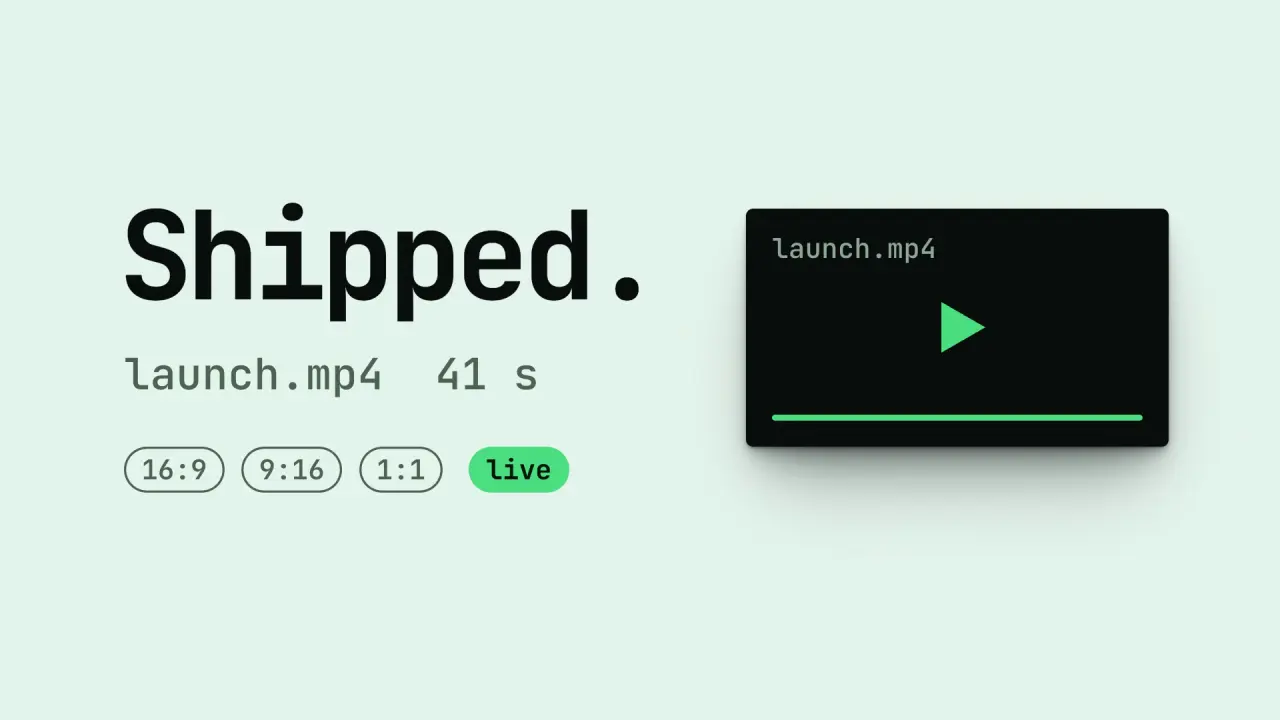
- The new screen is on the door's face, so it is foreshortened while the door turns and flat when it lands. Its small accent (the live pill) pops on
EASE.popafter the door has landed. - The door is 1.4 frames tall (its face is clipped to the frame), so the far edge still covers the frame top and bottom while the angle is small. A door of one frame height leaves black wedges in the corners until the leaf is nearly flat.
- What goes wrong: a door narrower than two frames leaves a strip of scene A on one side when it lands. Hinging at the door's left edge instead of its middle puts the caret on the edge, not in the middle of the opening. A caret bar that is wider than the door's first sliver reads as a swap.
Looks (ground, type, radius, accent) live in demo/demo.css; this snippet keeps neutral tokens.
Sound
Sound: none; a key tick per typed character is the film's, and the door adds no cue of its own.
Related moves

See all 125 moves. Learn how a page becomes a film in the docs, copy chains of moves from the recipes, or read the motion guide.