Pixelate SVG filter
When to use
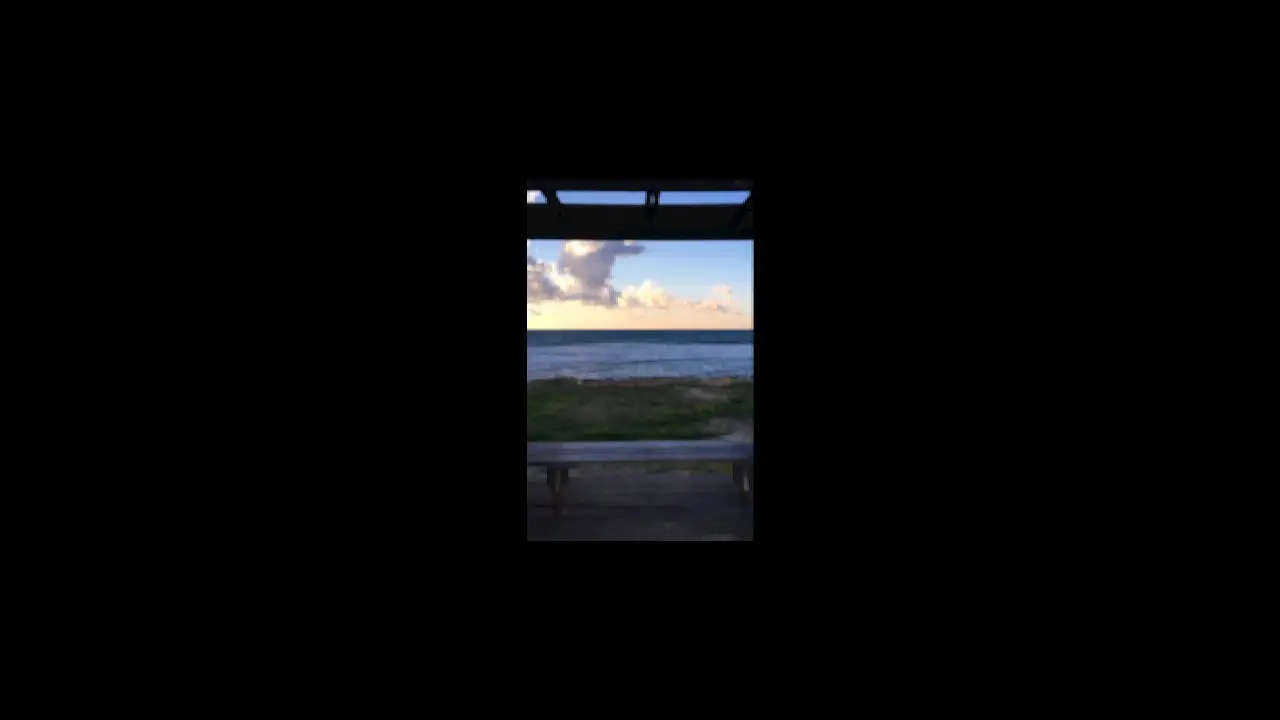
Use when a photo or a clip must break into blocks and clear again: a censor, a retro reveal, a resolve from mosaic to sharp, a scrub of the pixel size with the cursor. The block size is one number, and the picture stays live under it. Clip: pixelate-svg-filter.mp4. Demo: demo/pixelate-svg-filter.html.
Credit: port of fancy by Daniel Petho, MIT. Source: pixelate-svg-filter (repo). The filter graph and the demo mapping are the original's.
Put filter: url(#pixelate-filter) on the wrapper of the picture. The filter averages with a 3 x 3 convolution, floods a one pixel point, tiles it at size, keeps the average under each tile point, and dilates each point by size / 2 into a block. With crossLayers two more passes tile at half width and half height and sit under the main one, so the blocks cover the edges.
The code
const SIZE_PER_PX = 1 / 30;                                    // the demo: block size = pointer x / 30, clamped 1..64
const MOUSE_X = [[0, 60], [0.4, 60], [2.2, 600], [2.5, 600], [4.3, 60], [4.8, 60]];   // px from the left of the 500 px box
window.seek = (t) => {
  const size = Math.min(Math.max(kf(t, MOUSE_X, 'easeInOutSine') * SIZE_PER_PX, 1), 64);
  c0.setAttribute('width', size);  c0.setAttribute('height', size);          // first layer (feComposite)
  c1.setAttribute('width', size / 2); c1.setAttribute('height', size);       // crossLayers: tile half width
  c2.setAttribute('width', size);  c2.setAttribute('height', size / 2);      // crossLayers: tile half height
  for (const m of [m0, m1, m2]) m.setAttribute('radius', size / 2);          // feMorphology dilate
};
Easing and timing
The clip runs 4.8 s. The look is vawe.
Notes
The size is a pure function of the second: seek forward and back and the frame is the same. The filter units are the element's own CSS pixels, so a scaled stage (scale on the 500 x 530 stage) scales the blocks with the picture.
The numbers that make it look expensive
- Size is pointer x divided by 30: a 500 px sweep goes from 1 to 16.7 px blocks, a sweep past the edge reaches 20.
- Dilate radius is half the size and the composite regions are
size x size: the blocks are square, not smeared. crossLayerson: three tile grids merged, so no gap between blocks and no dark seams at the picture edge.- Ease the sweep (sine in and out): blocks that grow at a constant rate look mechanical, a swell reads as a breath.
- Hold at a small size before the sweep and after it: the mosaic reads as a state, not a glitch.
The common mistake
Starting at size 1. Below size 1.5 the dilate radius is under 1 px and the original filter draws nothing, so the picture disappears for the first third of the pointer range. Start at 2 or more (x 60). Also animating size with a CSS transition: the attribute is not a CSS property, so set it each frame. Safari does not support this graph.
Difference from the original: the demo plays a looping video from a CDN, ours is a still photo (the filter is the same). The pointer is a time table of x values. The clip stays on a 500 x 530 stage in the middle of the frame.
Sound
Sound: none; or a rising tick that follows the block size.
Related moves



See all 125 moves. Learn how a page becomes a film in the docs, copy chains of moves from the recipes, or read the motion guide.