Underline draw
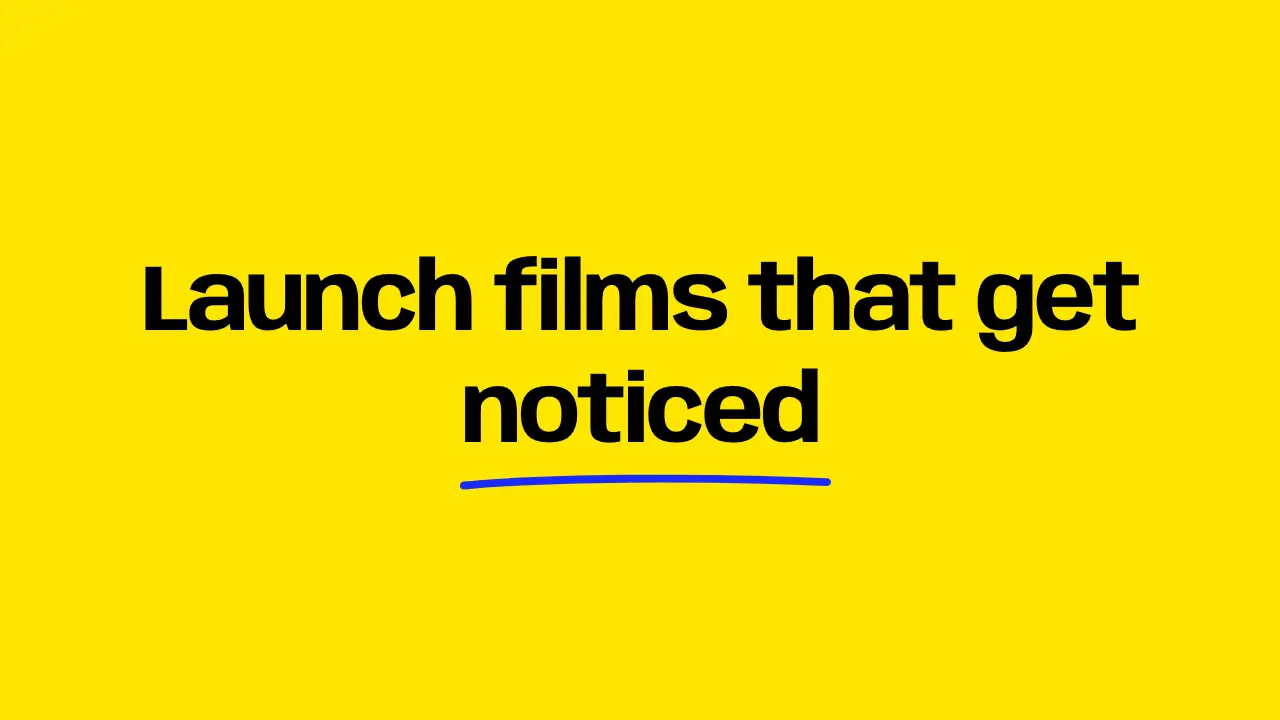
When to use
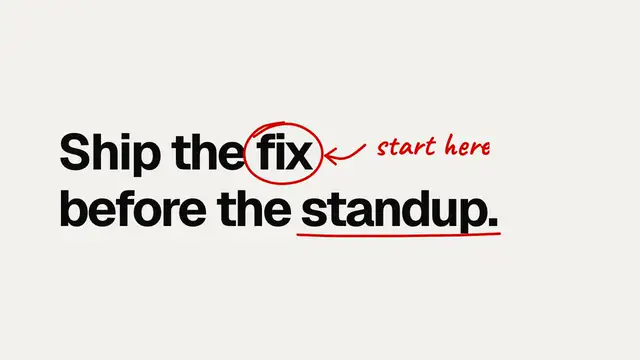
Use when one key word needs emphasis after it lands: a line draws under it from left to right, fast at the start and slow at the end, like a pen. Clip: underline-draw.mp4. Demo: demo/underline-draw.html.
The code
.key { position: relative; display: inline-block; }
.key svg { position: absolute; left: -0.02em; top: 100%; width: 104%; height: 0.24em; overflow: visible; }
.key path { fill: none; stroke: var(--accent); stroke-width: 7; stroke-linecap: round;
            stroke-dasharray: 1; stroke-dashoffset: 1;
            animation-name: draw; animation-duration: 0.6s; animation-delay: var(--beat-1);
            animation-timing-function: var(--draw); animation-fill-mode: both; }
@keyframes draw { to { stroke-dashoffset: 0; } }
Easing and timing
The clip runs 1.4 s. The look is brutal.
The clip uses one named ease from core/motion/presets.js. Each is a pair of After Effects handles: influence is how far along the segment the handle reaches, and speed is how fast the value moves at the key, as a multiple of the segment's average speed. Motion in the docs explains both.
| Ease | Leaving a key | Arriving at a key |
|---|---|---|
land | 12% influence, speed 4.8 | 75% influence, speed 0 |
Notes
<span class="key">noticed<svg viewBox="0 0 300 20" preserveAspectRatio="none"><path pathLength="1" d="M4 12 C 70 5, 190 4, 296 9"/></svg></span>--draw is EASE.land. pathLength="1" lets the dash be 1 whatever the real length is, so the same two lines work for any path.
The numbers that make it look expensive
- 0.6 s on
EASE.land: two thirds of the line is out in the first 0.15 s, the last third takes the rest. - The path is a slight curve (ends 5 units apart in a 20 unit box), not a ruler line. A straight line reads as a border.
- Round caps, and a stroke about 0.06em thick at this size. Thin lines vanish in a 640 px clip.
- The line starts 0.1 to 0.2 s after the word is readable, so the word lands first.
The common mistake
Placing the line at the baseline. It strikes through descenders (g, y, p). top: 100% on a line-height: 1.2 box puts it below them. Also: preserveAspectRatio="none" stretches the stroke with the box. For a very long word, draw the SVG at real pixel size instead.
Looks (ground, type, radius, accent) live in demo/demo.css; this snippet keeps neutral tokens.
Sound
Sound: none; the line points at a word the viewer is already reading.
Related moves
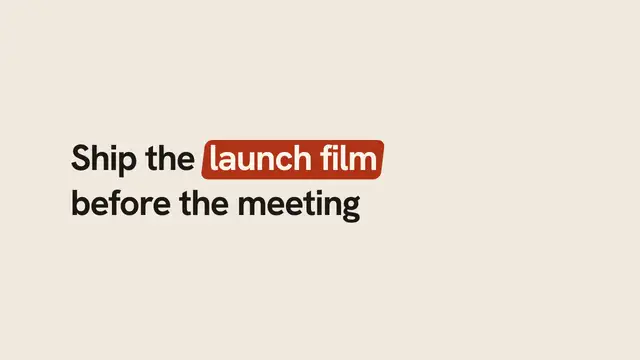
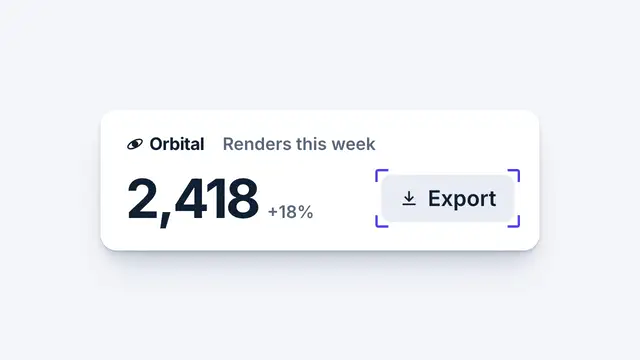
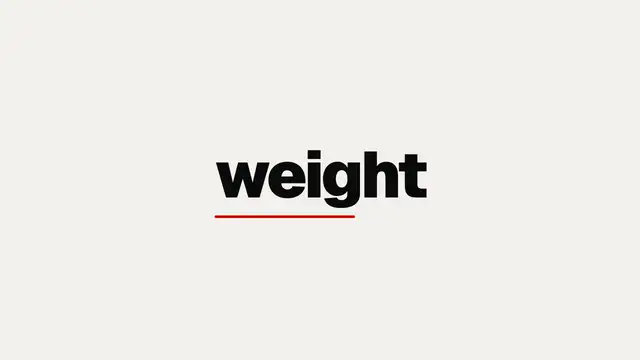
See all 125 moves. Learn how a page becomes a film in the docs, copy chains of moves from the recipes, or read the motion guide.