Word colour sweep
When to use
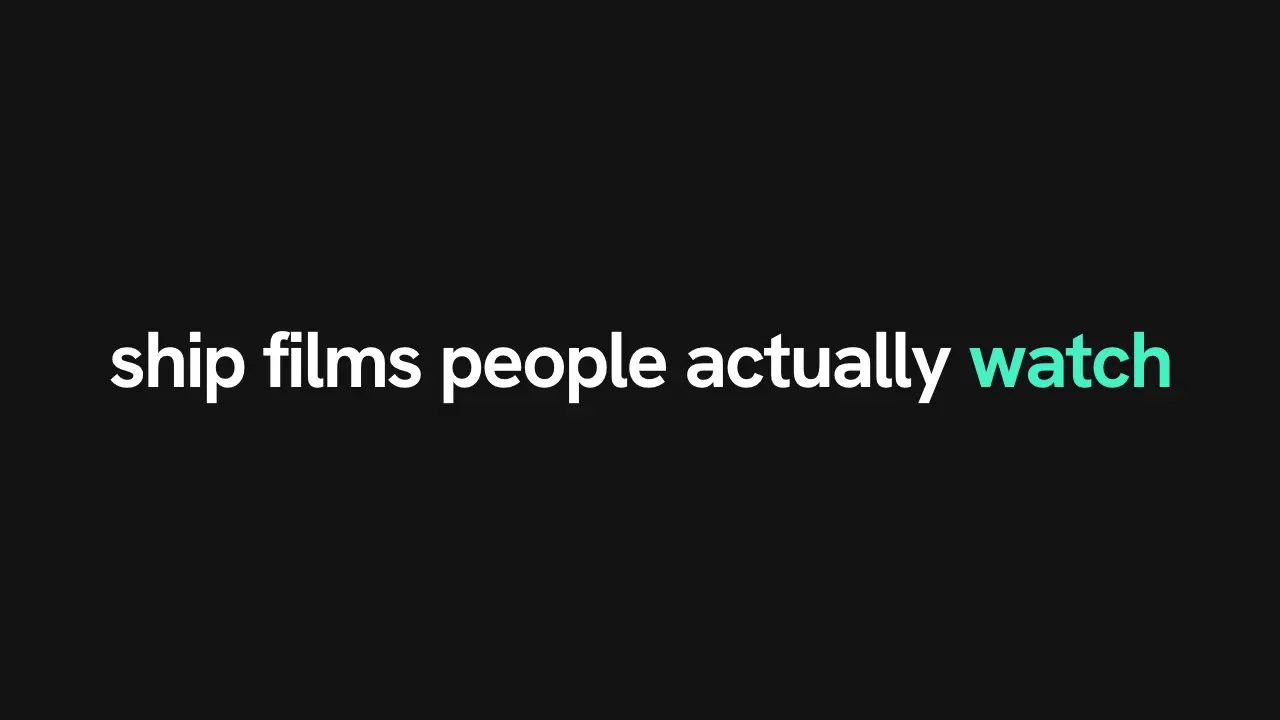
Use when a headline is already on screen and one word is the point. The accent runs word by word in reading order, lifting each from dim to white as it passes, and stays on the target word. Every device directs the eye; this one names its target in the markup. Clip: word-sweep.mp4. Demo: demo/word-sweep.html.
The code
<h1>every device directs the eye</h1>
<style>h1 { color: var(--dim); } h1 span { display: inline-block; white-space: pre; }</style>
<script type="module">
import { EASE } from '../../core/motion/presets.js';
const h1 = document.querySelector('h1');
const words = h1.textContent.split(' ').map((w, i, a) =>
  Object.assign(document.createElement('span'), { textContent: i < a.length - 1 ? w + ' ' : w }));
h1.replaceChildren(...words);
const css = getComputedStyle(document.documentElement);
const dim = css.getPropertyValue('--dim'), ink = css.getPropertyValue('--ink'), accent = css.getPropertyValue('--accent');
const beat = 150, step = 140;   // ms; step is faster than reading (about 250 ms a word), so the sweep leads the eye
words.forEach((s, i) => {
  const last = i === words.length - 1;
  s.animate([{ color: dim }, { color: accent, offset: 0.25 }, { color: last ? accent : ink }],
    { duration: 520, delay: beat + i * step, easing: EASE.land, fill: 'both' });
});
</script>
Easing and timing
The clip runs 1.5 s. The look is signal.
The clip uses one named ease from core/motion/presets.js. Each is a pair of After Effects handles: influence is how far along the segment the handle reaches, and speed is how fast the value moves at the key, as a multiple of the segment's average speed. Motion in the docs explains both.
| Ease | Leaving a key | Arriving at a key |
|---|---|---|
land | 12% influence, speed 4.8 | 75% influence, speed 0 |
Notes
Three colours, in this order: --dim (#5c5b63 on #16151a, readable but quiet), --ink for what has been read, --accent for one word at a time. The target is the only word that stays accent. A step slower than 250 ms follows the reader instead of leading; a step under 100 ms is a flicker. For a target in the middle of the line, sweep to it and stop: the words after it stay dim.
Looks (ground, type, radius, accent) live in demo/demo.css; this snippet keeps neutral tokens.
Sound
Sound: none; the colour points the eye without a sound.
Related moves


See all 125 moves. Learn how a page becomes a film in the docs, copy chains of moves from the recipes, or read the motion guide.