Cursor spotlight
When to use
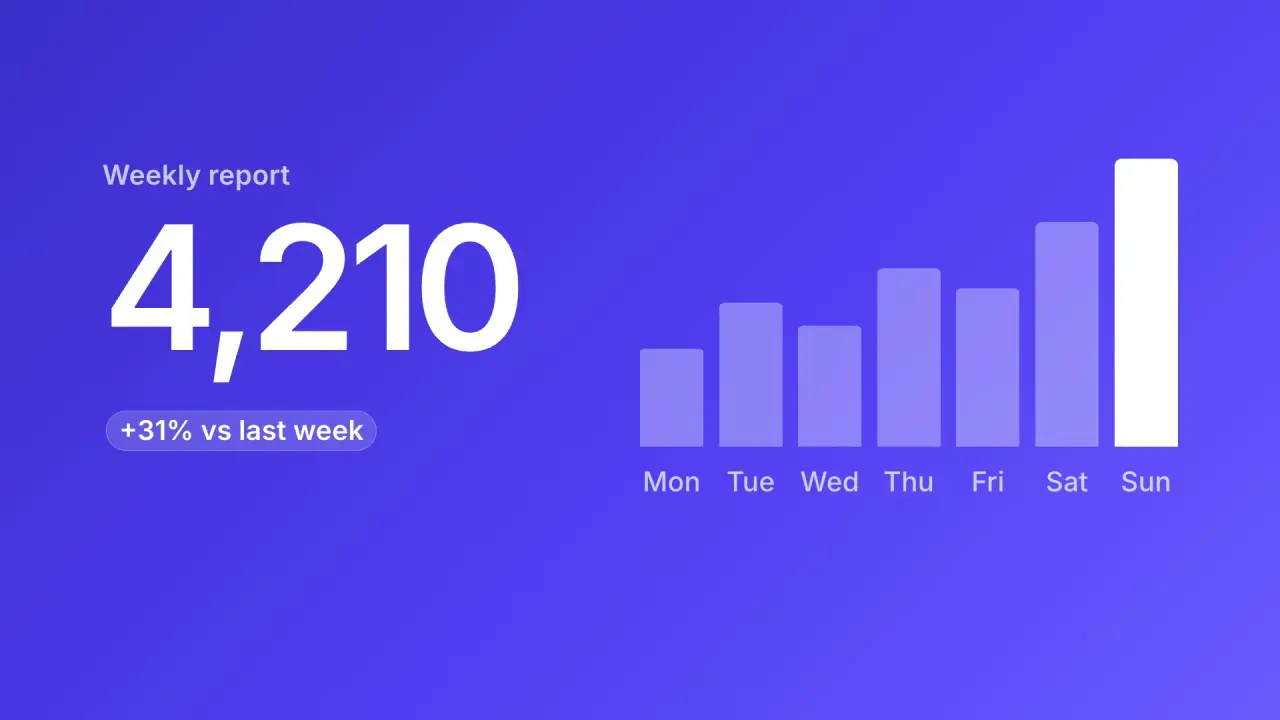
Use when a click opens the next screen and the film must not cut: the cursor tip is the handoff object. After the press, a soft circle is born at the tip, grows from a tip-sized spot, and shows the next screen inside it. Screen A stays outside the circle until the circle covers the frame. The cause (the press) and the effect (the circle) share one point, so the viewer reads "this click opened that screen". Clip: cursor-spotlight.mp4. Demo: demo/cursor-spotlight.html.
The code
import { easeFn } from '../../core/motion/presets.js';
const land = easeFn('land'), settle = easeFn('settle');
const EDGE = 1.2 * u, R0 = 0.9 * u;                                        // u = innerHeight / 100
const RMAX = FAR + EDGE * 1.5;                                             // FAR: tip to the farthest corner
vawe.onFrame((t) => {
  const k = clamp((t - T.grow) / 0.8), g = 0.35 * k * k * (3 - 2 * k) + 0.65 * settle(k);
  const R = lerp(R0, RMAX, g), f = Math.min(Math.max(R * 0.3, 0.3 * u), EDGE);
  const mask = `radial-gradient(circle at ${x}px ${y}px, #000 ${Math.max(R - f, 0)}px, transparent ${R}px)`;
  shotB.style.maskImage = mask;                                            // shot B sits above shot A, the cursor above both
  shotB.firstElementChild.style.transform = `scale(${lerp(1.06, 1, land(k))})`;
});
Easing and timing
The clip runs 3.6 s. The look is daylight.
The clip uses 3 named eases from core/motion/presets.js. Each is a pair of After Effects handles: influence is how far along the segment the handle reaches, and speed is how fast the value moves at the key, as a multiple of the segment's average speed. Motion in the docs explains both.
| Ease | Leaving a key | Arriving at a key |
|---|---|---|
land | 12% influence, speed 4.8 | 75% influence, speed 0 |
launch | 33% influence, speed 0 | 25% influence, speed 3 |
settle | 60% influence, speed 0 | 60% influence, speed 0 |
Notes
- The edge is a mask, not a blur: a radial gradient with an opaque core and a soft shoulder. The shoulder has a constant width of 1.2 u (it is 30 percent of the radius only while the circle is tiny). A shoulder in percent of the radius grows to a haze 8 u wide at full size and reads as a bloom. A blur of the edge would also blur the content inside it.
- The core,
R - edge, must reach the farthest corner, soRMAX = FAR + 1.5 * EDGE. If you setRMAX = FAR, a wedge of shot A stays in the corner after the move and shows when the cursor leaves. - The circle centre is the cursor tip, and the cursor keeps drifting 2 percent of the width for 1 s after the press, so the tip is never frozen under the circle. Stop following the cursor when it leaves: the centre must not move with the exit.
- Timing: the cursor lands in 0.8 s on
EASE.land, the press dips the arrow 14 percent and the button 3.5 percent, the circle starts 0.1 s after the press and grows in 0.8 s: a quarter on a smoothstep, the rest onEASE.settle. The cursor leaves in 0.35 s onEASE.launch, faster than it came. - Speed across the handoff: the cursor arrives near rest and the circle is born at rest, so no speed jumps. Do not start the circle while the cursor still travels fast, or the circle seems to lag behind its own tip.
- Z-order is explicit: shot A z 1, shot B z 5 with the mask, cursor z 10. If B is below A the mask shows nothing.
- Shot B is a light-on-dark change of ground (the accent colour on a white screen A), so the circle reads at every size. Shot B arrives at 1.06x and settles to 1 while the circle grows, and its own motion (a counter, bars) starts 0.5 s into the growth, so the hold is alive. Draw the cursor with a white fill and a dark edge: it must read on both screens.
- What goes wrong: a hard
clip-path: circle()reads as an iris wipe (iris-wipe), a hard edge that closes. Here the circle opens, with a soft edge, from the tip. A circle born from the button centre, not the tip, breaks the link to the cursor.
Looks (ground, type, radius, accent) live in demo/demo.css; this snippet keeps neutral tokens.
Sound
Sound: one soft click on the press (0.1 s before the circle is born); nothing on the growth.
Related moves

See all 125 moves. Learn how a page becomes a film in the docs, copy chains of moves from the recipes, or read the motion guide.